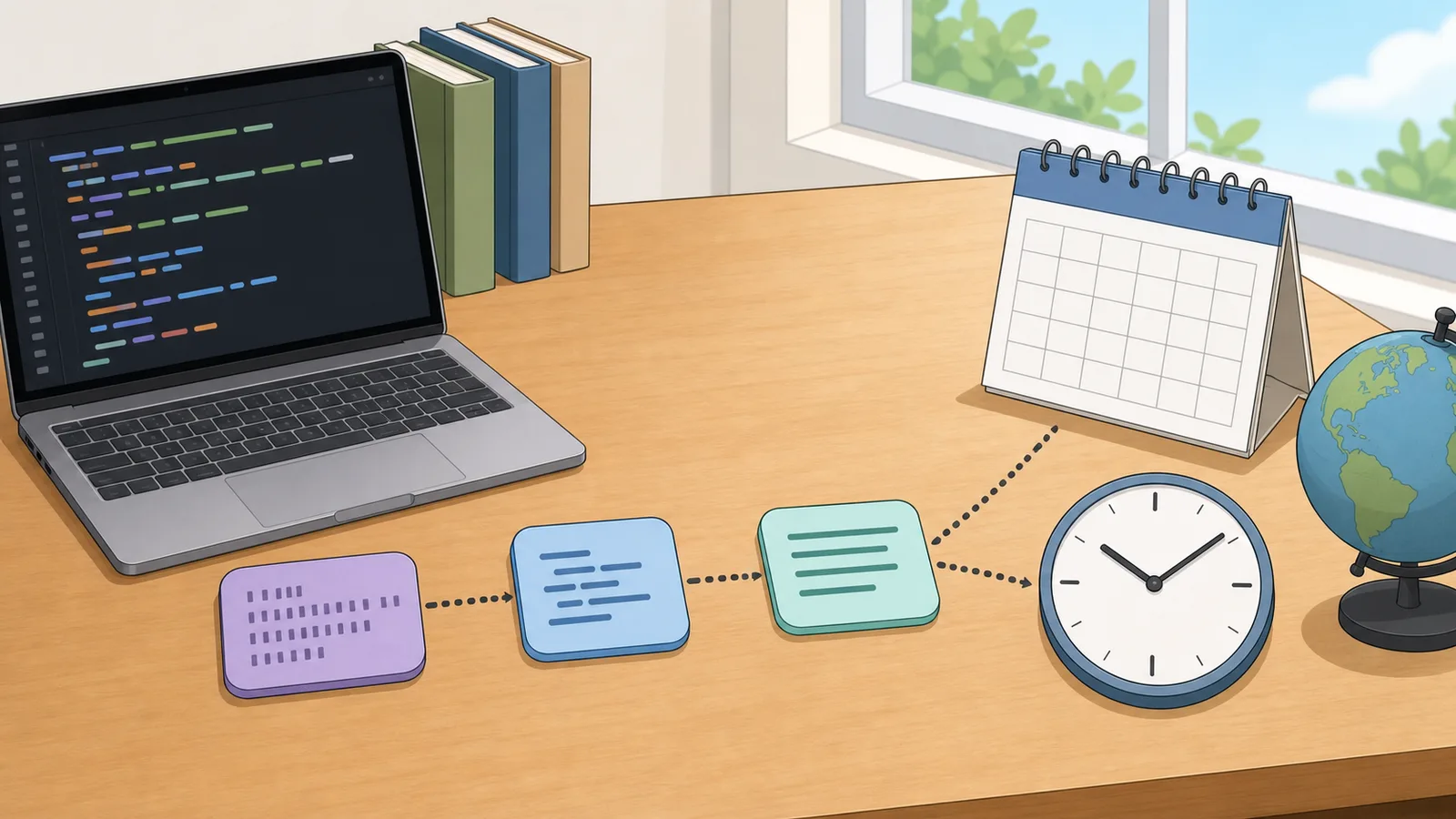
Convert 10-digit, 13-digit, 16-digit, and 19-digit Unix timestamps into readable UTC or local time.
Last updated
Time
Unix time converter
Convert Unix timestamps into timezone-aware calendar strings, or turn a wall-clock date and time in any IANA
zone back into epoch seconds, milliseconds, microseconds, and nanoseconds.
Conversion mode
Unix examples
Scale guide
10 digits detected as seconds. 10 digits usually means seconds, 13 means milliseconds, 16 means microseconds, and 19 means nanoseconds.
Timestamp note
Unix time counts POSIX-style seconds from 1970-01-01 00:00:00 UTC. Leap seconds are not represented as extra
Unix seconds, so keep that limitation in mind for specialist timing work.
Timezone note
Named IANA zones include daylight-saving and historical offset rules. Around DST changes, the same local
clock reading can be repeated or skipped, so check ambiguous times against the target system when exact
ordering matters.
Result
Nov 14, 2023, 22:13:20
Interpreting the supplied value as seconds and rendering it in UTC UTC (UTC+00:00). Second input preserved exactly.
Unix seconds
1,700,000,000
Unix milliseconds
1,700,000,000,000
Detected scale
seconds (10 digits)
Relative time
3 years ago
Exact Unix hand-off values
Unix seconds
1,700,000,000
Unix milliseconds
1,700,000,000,000
Unix microseconds
1,700,000,000,000,000
Unix nanoseconds
1,700,000,000,000,000,000
Selected zone clock
Calendar date
2023-11-14
24-hour time
22:13:20
12-hour time
10:13:20 PM
Zone rule
UTC (UTC+00:00)
UTC and interchange formats
UTC date-time
Nov 14, 2023, 22:13:20 UTC
ISO 8601
2023-11-14T22:13:20.000Z
RFC 2822
Tue, 14 Nov 2023 22:13:20 GMT
SQL-style UTC
2023-11-14 22:13:20
SQL-style local
2023-11-14 22:13:20
Interpretation tip A 10-digit value is usually epoch seconds, 13 digits usually means milliseconds, 16 digits usually means microseconds, and 19 digits usually means nanoseconds. Confirm which scale your API, database, trace pipeline, or warehouse expects before comparing outputs.
Unix time converter: epoch seconds, milliseconds, microseconds, nanoseconds, UTC
A Unix time converter helps when software timestamps and human-readable calendar strings have to move cleanly between systems. This page also explains the main assumptions behind the unix time converter result, highlights the supporting figures shown by the calculator, and helps the reader use the estimate without overstating what a quick online tool can prove.
What Unix time actually counts
Unix time counts POSIX-style seconds from 1970-01-01 00:00:00 UTC, commonly called the Unix epoch. That makes it compact and machine-friendly, which is why it appears in databases, programming languages, APIs, and telemetry systems.
A timestamp by itself does not tell a human much. The same moment has to be rendered in UTC or in a chosen local timezone before it becomes immediately useful for debugging, incident review, scheduling, or data exchange.
That is why the most useful Unix timestamp converter pages do more than print a date string. They show UTC, local time, machine-friendly interchange formats such as ISO 8601, and enough timezone context to explain why two systems may show the same event differently.
Seconds, milliseconds, and timezone-aware wall clocks
Many systems store Unix time in whole seconds, while JavaScript and several browser APIs use milliseconds. Modern analytics and observability pipelines may also use microseconds or nanoseconds. A robust converter therefore needs to recognise each scale and normalise it before showing the final result.
The reverse direction is equally important: when you enter a wall-clock date and time, the timezone must be explicit. Noon in UTC is not the same instant as noon in New York or Tokyo, so the page lets you anchor the calendar input to a chosen IANA timezone before it is converted back to epoch time.
In practice, this is the source of many developer mistakes. A 10-digit Unix timestamp usually means seconds, a 13-digit timestamp usually means milliseconds, a 16-digit timestamp usually means microseconds, and a 19-digit timestamp usually means nanoseconds. If you paste the wrong scale into a log viewer, dashboard, SQL query, trace viewer, or API payload, the converted date can land decades away from the real event.
Unix milliseconds = Unix seconds × 1,000
Standard relationship between the two common timestamp scales used in APIs and browser code.
Unix microseconds = Unix milliseconds × 1,000
Common precision step used by analytics systems, event pipelines, and some databases.
Unix nanoseconds = Unix microseconds × 1,000
Common precision step used by tracing, telemetry, and high-resolution timing systems.
Wall-clock time + timezone → UTC instant → Unix time
Conceptual flow for converting a local calendar input into a single epoch value.
Worked examples: 1700000000, 1700000000000, and local wall-clock input
A common search is 'what date is 1700000000?' Interpreted as Unix seconds, 1700000000 maps to 2023-11-14 22:13:20 UTC. The same instant will display as a different local wall-clock time in London, New York, Tokyo, or any other IANA timezone because each region applies its own offset and daylight-saving rules.
Another common query is 'what is 1700000000000?' The extra three digits usually mean Unix milliseconds. Divide by 1,000 and you get the same underlying instant as 1700000000 seconds. That is why a good epoch converter highlights the detected scale instead of silently assuming one representation.
The reverse workflow matters just as much. If you enter a local wall-clock value such as 2024-01-15 12:00 in UTC, the converter returns 1705320000. Enter the same wall-clock reading in America/New_York and you get a different Unix value because the timezone rules describe a different instant.
Microseconds, nanoseconds, and exact hand-off values
Many observability stacks, event brokers, data warehouses, and tracing tools use 16-digit or 19-digit timestamps. A 16-digit value usually means Unix microseconds, and a 19-digit value usually means Unix nanoseconds. Those formats still describe the same underlying instant, but they carry finer sub-second precision than the classic 10-digit or 13-digit forms.
That is why a useful Unix timestamp converter should not stop at showing one calendar string. It should also return copy-ready Unix seconds, milliseconds, microseconds, and nanoseconds so you can move between browser code, SQL, API payloads, and telemetry systems without manual zero-counting.
Calendar rendering in browsers is still effectively millisecond-based, so sub-millisecond digits are preserved in the exact integer outputs while the human-readable date is rendered at whole-millisecond precision. That trade-off is still useful because it lets you keep the exact hand-off value while seeing the corresponding wall-clock instant.
UTC, local time, daylight saving, and ambiguous clock readings
Unix time itself is timezone-neutral because it represents a single instant. Timezone differences only appear when you render that instant for humans or when you start from a local wall-clock reading and need to determine which instant it refers to.
That is why UTC is usually the safest storage and API exchange format, while local time is best reserved for user-facing schedules, reports, and logs that people read in a specific region. ISO 8601 strings with an explicit Z suffix or UTC offset are often easier to audit than an unlabelled local timestamp.
Daylight-saving transitions create the most confusing edge cases. Some local times never happen when the clock jumps forward, while other times happen twice when the clock falls back. Named IANA timezones are valuable because they encode those historical and daylight-saving rules rather than behaving like a simple fixed UTC offset.
Where the limitations matter
POSIX Unix time does not represent leap seconds as extra countable Unix seconds. That is fine for most application logging, scheduling, and web work, but it matters when you are comparing Unix time against specialist timing systems or standards that track leap-second behaviour explicitly.
Timezone conversion also depends on the IANA timezone database because daylight-saving rules and historical offsets change over time. A converter should therefore treat named timezones as rulesets, not just as fixed offsets like UTC+1.
Older systems can also run into representation limits such as the Year 2038 problem, where signed 32-bit Unix-second storage overflows after 2038-01-19 03:14:07 UTC. Modern platforms often avoid that limit, but the issue still appears in legacy code, binary formats, and embedded environments.
Precision mismatches matter too. JavaScript Date objects and many browser formatting APIs work at millisecond precision, while a trace store or event stream may preserve microseconds or nanoseconds. The safest workflow is to copy the exact integer format your destination system expects instead of assuming every platform uses the same unit.
Negative timestamps are also valid in many contexts and represent instants before 1970-01-01 00:00:00 UTC. That makes them useful for historical records and backfilled data, but you should confirm that the destination system supports pre-epoch dates before relying on them.
Which Unix time format belongs in which system
Unix seconds are the usual fit for POSIX-style timestamps, many command-line tools, and SQL functions such as UNIX_TIMESTAMP or FROM_UNIXTIME variants. Unix milliseconds are common in JavaScript, browser code, and many REST APIs because they align naturally with Date.now().
Unix microseconds often appear in analytics systems, warehouse event exports, and some database or telemetry workflows. Unix nanoseconds are common in tracing, metrics, and high-resolution observability stacks where ordering inside the same millisecond matters.
This is why a timestamp to date converter should help with more than display. It should tell you which integer to copy next, so you can move from timestamp debugging to action without manually adding or stripping groups of three zeros.
Frequently asked questions
What is the Unix epoch?
The Unix epoch is 1970-01-01 00:00:00 UTC. Unix timestamps count seconds or milliseconds forward from that instant.
Why do some timestamps have 13 digits?
Because they are usually Unix milliseconds rather than Unix seconds. Multiplying seconds by 1,000 gives the millisecond form used by many browser and JavaScript APIs.
Why do I need a timezone when converting a date and time to Unix time?
Because the same wall-clock reading can represent different instants in different places. 2024-01-15 12:00 in UTC is a different instant from 2024-01-15 12:00 in America/New_York.
What date is 1700000000?
Interpreted as Unix seconds, 1700000000 corresponds to 2023-11-14 22:13:20 UTC. Your local rendered time may be different if you view the same instant in a named timezone such as Europe/London or America/New_York.
What is the difference between a 10-digit and 13-digit timestamp?
A 10-digit Unix timestamp usually represents whole seconds since the epoch, while a 13-digit value usually represents milliseconds. They can describe the same instant, but the units differ by a factor of 1,000. If you compare logs or API payloads across systems, confirm which scale the source system expects before assuming the date is wrong.
What do 16-digit and 19-digit timestamps usually mean?
A 16-digit Unix timestamp usually means microseconds, and a 19-digit timestamp usually means nanoseconds. Those formats are common in observability pipelines, analytics exports, and tracing systems that need more sub-second precision than classic seconds or milliseconds.
Can Unix time be negative?
Yes. Negative Unix timestamps represent instants before the epoch of 1970-01-01 00:00:00 UTC. Support varies by language, database, and platform, so historical workflows should still be checked against the target system.
Does Unix time include leap seconds?
Not in the POSIX model used by most applications. Unix time treats days as if they advance in uniform second counts without inserting extra Unix seconds for leap-second events. That behaviour is usually acceptable for software logs and web applications, but it is not a substitute for specialist timing systems.
Why did my converted local time change by one hour?
The most common reason is daylight saving or another timezone-rule change. A Unix timestamp represents one instant, but the human-readable local clock time depends on the selected timezone and the rule set in force on that date.
What is the Year 2038 problem?
The Year 2038 problem affects systems that store Unix seconds in signed 32-bit integers. Those systems overflow after 2038-01-19 03:14:07 UTC. Many modern runtimes use larger date representations, but the issue still matters in older software, binary file formats, and embedded devices.
Should I use UTC or local time in logs and APIs?
UTC is usually the safer default for storage, APIs, and cross-system logging because it identifies a single instant without regional ambiguity. Local time is still valuable for user-facing reports and schedules, but it is best paired with an explicit timezone so the record can be interpreted correctly later.
What is the difference between ISO 8601 and Unix time?
Unix time is a numeric count from the epoch, while ISO 8601 is a human-readable date-time format such as 2024-01-15T12:00:00Z. They often describe the same instant, but ISO 8601 is easier for humans to audit and Unix time is easier for many machines to store and compare numerically.
Why can the exact timestamp and the calendar output have different precision?
A browser can preserve an exact microsecond or nanosecond integer for copying, but its standard date rendering tools typically format the wall-clock result at millisecond precision. That means the integer hand-off value can stay exact while the readable date is shown at the nearest whole millisecond.
When should I copy seconds, milliseconds, microseconds, or nanoseconds?
Use seconds for classic Unix and many SQL tools, milliseconds for JavaScript and many web APIs, microseconds for some analytics or database exports, and nanoseconds for tracing or high-resolution telemetry. If you are unsure, check the destination system documentation and compare the expected digit length before sending the value downstream.