What is Boolean algebra?
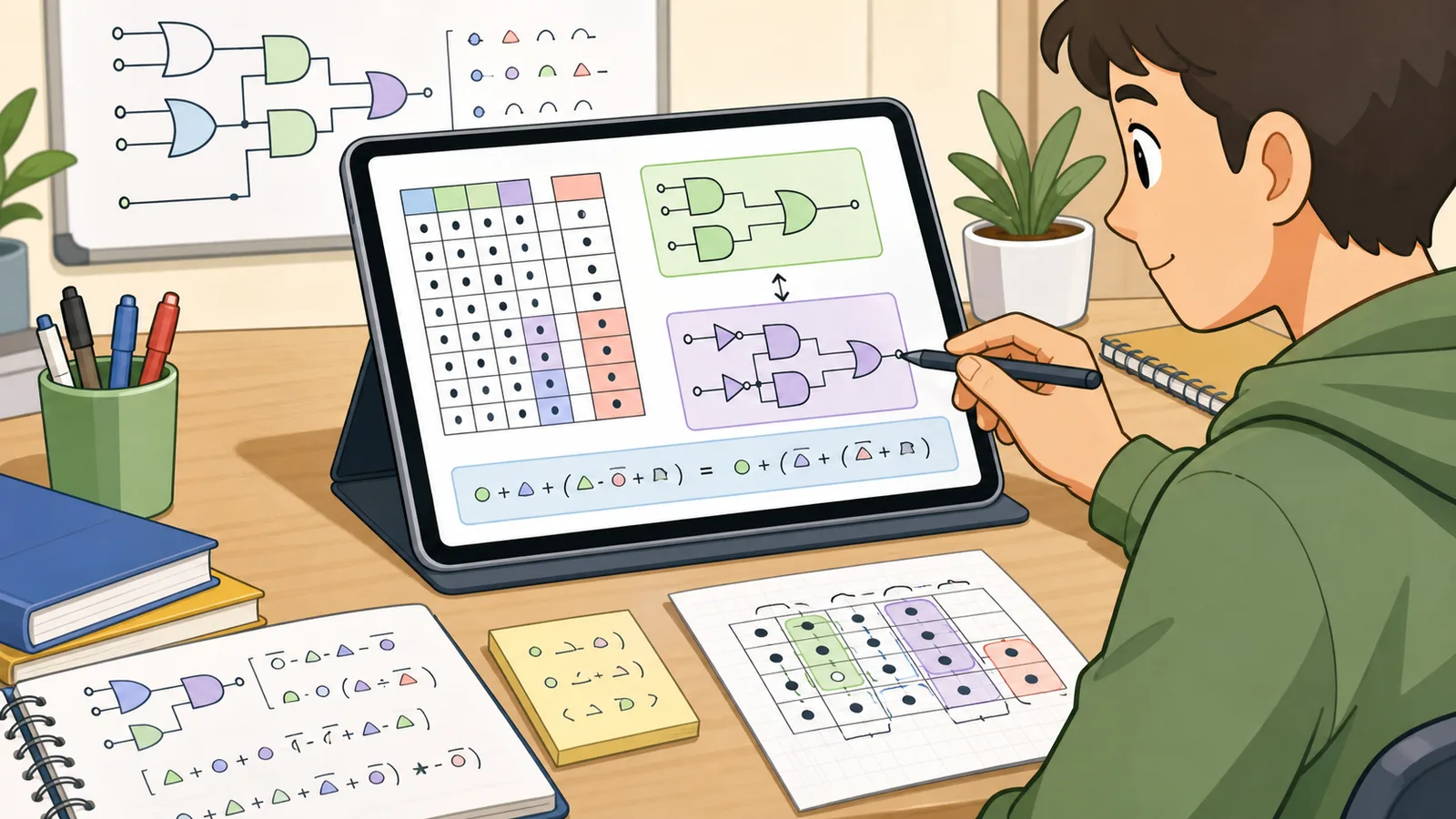
Boolean algebra is the algebra of truth values. Instead of ordinary numbers, it works with true/false or 1/0 values and uses logical operations such as AND, OR, and NOT. It is the language used in digital logic, circuit design, and many logic-class exercises.
How does this calculator simplify an expression?
It evaluates the complete truth table for the expression, then finds a compact equivalent form that keeps every true row and excludes every false row. That makes the simplified answer grounded in the actual output rather than just in a guessed rewrite rule.
Which operators can I use?
You can use AND, OR, NOT, XOR, XNOR, NAND, NOR, and IMPLIES. The calculator also accepts common symbols such as &, |, !, ~, ^, ∧, ∨, ⊕, +, and * for the basic gates, plus postfix complement notation such as A'.
Can I use parentheses and nested expressions?
Yes. Parentheses are the best way to group sub-expressions and remove ambiguity. The calculator respects standard precedence, but parentheses make the intended logic easier to read and verify.
How many variables can I enter?
This page is designed for up to four distinct variables. That covers one-variable through four-variable expressions while keeping the truth table small enough to read comfortably.
What is the difference between a minterm and a maxterm?
A minterm is a row where the expression equals 1, while a maxterm is a row where it equals 0. Minterms are used in sum-of-products form, and maxterms are used in product-of-sums form.
Is the simplified answer always unique?
Not always. Different but equivalent minimal expressions can exist, especially when more than one grouping gives the same number of literals. The important part is that the result stays logically equivalent to the original expression.
What does it mean if the result is 1 or 0?
A result of 1 means the expression is a tautology, so it is true for every input combination. A result of 0 means the expression is a contradiction, so it is false for every input combination.
Should I use this instead of a Karnaugh map?
For study and quick checking, yes. A Karnaugh map is still useful for manual grouping, especially when you are learning the technique or working with don't-care conditions, but this calculator gives you a fast equivalent form, the full truth table, and mismatch rows for an answer check without needing to draw the map yourself.
Can this calculator check if two Boolean expressions are equivalent?
Yes. Enter the original expression in the main field and a proposed simplification in the comparison field. The calculator evaluates both expressions on the same input rows and reports whether they are equivalent.
What is the difference between SOP and POS?
SOP means sum of products, where OR combines product terms that make the function true. POS means product of sums, where AND combines sum clauses tied to the false rows. Both can describe the same Boolean function, but courses and design notes often ask for one form explicitly.
Why does the calculator show mismatch rows?
Mismatch rows make an equivalence failure easier to fix. Instead of only saying two expressions are not equal, the calculator shows which input combinations produce different outputs, so you can find the missing term, extra term, or misplaced negation.