Skip to content
Calcipedia
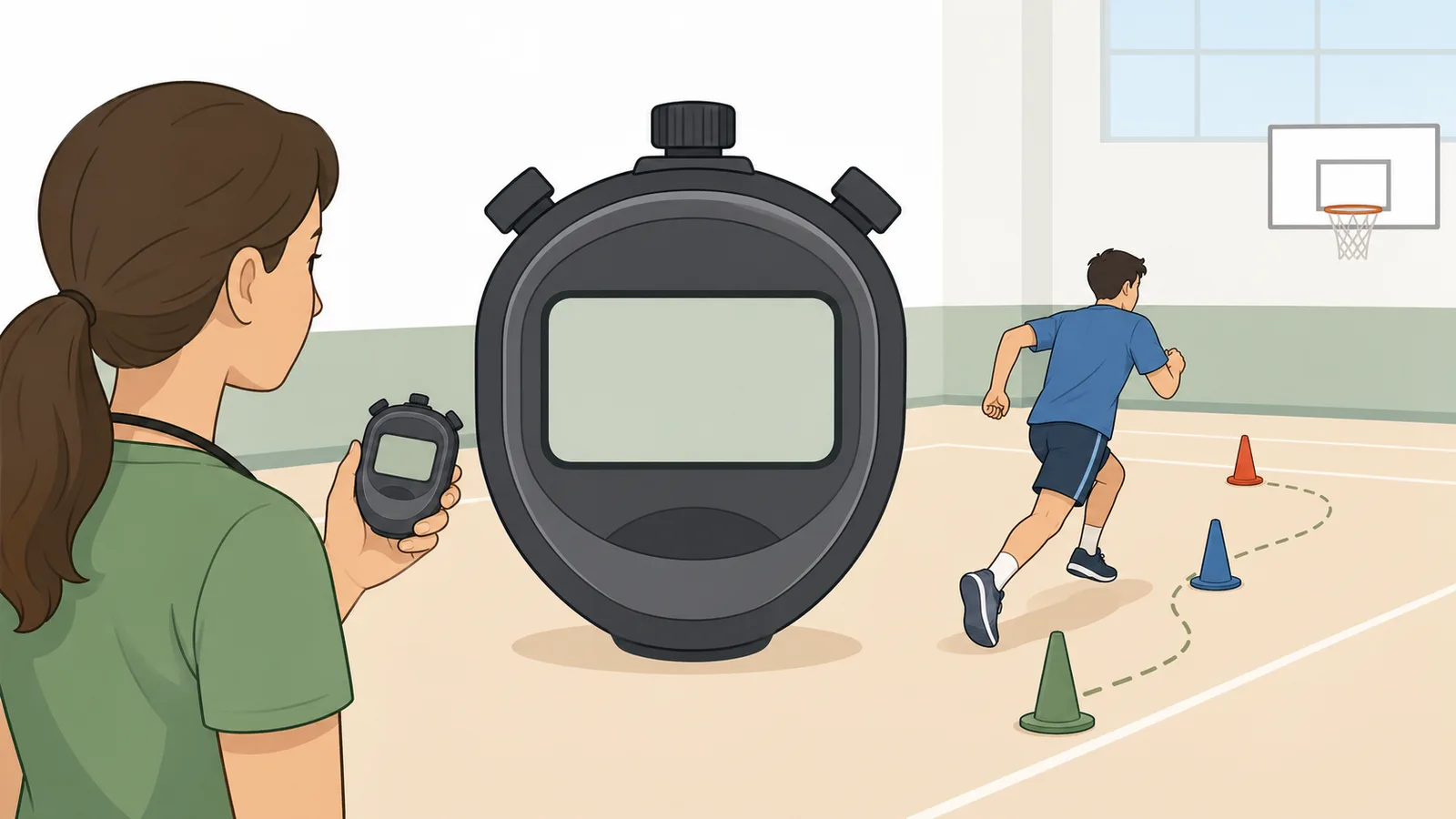
Stopwatch instructional illustration

Stopwatch

Use this stopwatch online to measure elapsed time from zero, record laps and split times, compare fastest and slowest laps, pause and resume.

Last updated

Online stopwatch with centiseconds, laps, and split timing Use this stopwatch to measure elapsed time from zero, pause and resume without losing progress, and record lap splits for workouts, study sprints, coaching, presentations, benchmarking, and everyday timing.

Result

00:00:00.00

ready stopwatch with centisecond precision

Stopwatch state
Ready
Precision
Centiseconds (0.01 s)
Lap count
0
Latest split
No laps yet
Current split
00:00:00.00
Display mode
Standard view
How to read the stopwatch Use the stopwatch when you need elapsed time from zero. If you want a fixed finish point or an alert at the end, a countdown timer is the better tool.

Projector and keyboard controls

Keyboard shortcuts: Space start or stop, L record lap, and R reset.

Fullscreen mode makes the stopwatch easier to use for classrooms, coaching, rehearsal pacing, and shared displays without needing a separate app.

Tip: use Space to start or stop, L to record a lap, and R to reset.

Browser timing note

The stopwatch display refreshes frequently in the browser, but background tabs, power-saving modes, and locked mobile screens can reduce repaint frequency. The elapsed measurement is still suitable for everyday training, cooking, pacing, and benchmarking, but formal timing environments should use their approved timing system.

← All Time Calculations calculators

Online Stopwatch

Stopwatch online: measure elapsed time, laps, and split times in the browser

This online stopwatch measures elapsed time from zero with centisecond precision, pause-and-resume control, and lap recording for workouts, study sessions, coaching, kitchen timing, speaking practice, and benchmark checks. Use it when you need a clean browser stopwatch that keeps the total clock visible while also capturing split times, fastest lap, slowest lap, average lap, and lap spread.

How the stopwatch works

Press Start and the stopwatch begins measuring elapsed time from zero. The display updates frequently in the browser and shows the running total in hours, minutes, seconds, and centiseconds. Press Stop and the elapsed value is preserved, then press Start again to continue from the paused value rather than starting over.

Lap records the current elapsed total without interrupting the running stopwatch. Each lap keeps both the cumulative total and the split since the previous lap, which makes the tool useful when you care about both the full session length and the duration of each segment inside it.

Elapsed time = Current high-resolution timestamp − Start timestamp + Previously saved elapsed time

Displayed in H:MM:SS.cc format for a stopwatch-style running clock.

Lap split = Current cumulative elapsed time − Previous lap cumulative elapsed time

Shows the time for one interval alone while the stopwatch total keeps running.

Further reading

Lap timing, split timing, and what the numbers mean

A stopwatch total tells you how long the entire activity has been running. A lap or split tells you how long one segment took inside that larger session. If you are timing pool lengths, running intervals, debate rounds, classroom stations, or repeated drills, the split is often the number you compare while the cumulative total stays useful for the overall session.

Some people use the words lap and split interchangeably, but the practical idea is simple: the page saves the current total and subtracts the previous saved total to show the time for just that section. That is why the lap list can answer both “How long has this session been going?” and “How long did the last round take?” at the same time.

Using lap analysis to compare intervals

A lap timer becomes more useful when it does more than store a raw list. After you record at least one lap, the page compares the fastest split, slowest split, average lap, and lap spread so you can see whether the session stayed consistent or drifted over time. That matters for interval workouts, classroom rotations, music practice, speech rehearsal, and any repeated task where consistency is part of the goal.

The lap spread is the difference between the slowest and fastest recorded splits. A small spread suggests the intervals were paced evenly; a large spread suggests one round, speaker segment, experiment phase, or drill took noticeably longer than the others. You can still copy or download the full lap list afterward, but the on-page analysis gives you an immediate read before you leave the stopwatch.

Average lap = Sum of recorded lap splits ÷ Number of recorded laps

Shows the typical split length across the recorded intervals.

Lap spread = Slowest recorded lap − Fastest recorded lap

Shows how much the recorded intervals varied from best to worst.

When a stopwatch is better than a timer

Use a stopwatch when you want to measure how long something took. That makes it a good fit for workouts, speaking practice, music practice, lab observations, home tasks, coding benchmarks, and any activity where the end point is created by your own action rather than by a fixed countdown.

A countdown timer is different because it starts with a chosen duration and moves toward zero. If you need a warning or sound after 10 minutes, use a timer. If you need to learn whether the task actually took 8 minutes 42 seconds, use a stopwatch.

Fullscreen stopwatch displays and keyboard shortcuts

A stopwatch online is often used on a larger display rather than a single-person screen. Coaches project interval timing onto a wall. Teachers pace station work from the front of the room. Speakers and moderators use a stopwatch as a clean shared clock during rehearsals and live sessions. That is why fullscreen mode matters: it makes the running elapsed time easier to read at a distance without needing a separate installed app.

Keyboard shortcuts matter for the same reason. If you can press Space to start or stop, L to record a lap, and R to reset, you spend less time hunting for controls and more time keeping the session moving. For repeated drills, debates, music practice, and lab work, that small usability change can be more valuable than another formatting option.

Browser accuracy, background tabs, and timing limits

An online stopwatch is convenient because it works immediately in the browser, but it still depends on browser timing and device state. Modern browsers can measure elapsed intervals with good everyday accuracy, yet the visible display may repaint less often when the tab is in the background, the device is under heavy load, or power-saving rules reduce update frequency.

That usually does not matter for training, cooking, classroom pacing, casual experiments, or productivity tracking. It does matter if the timing environment is regulated or the precision has legal, medical, exam, or safety implications. In those cases you should use the approved timing system for that setting rather than a general browser stopwatch.

Worked example: timing repeat exercise intervals

Imagine you want to complete four rounds of jump rope with short recovery periods. Start the stopwatch at the beginning of round one. At the end of each work block, press Lap. The cumulative total shows how long the whole session has run, while each split shows how long that individual round lasted.

If you pause to adjust equipment or take instructions, press Stop to preserve the current total. Press Start again when the session resumes. That approach keeps your stopwatch honest because the displayed elapsed time reflects the active session you chose to measure, not the time spent interrupted between rounds.

If you want to review the workout afterward, copy the lap list or download it as a CSV. That makes the stopwatch more useful for coaching notes, rehearsal logs, classroom pacing records, and simple benchmark tracking than a bare elapsed clock alone.

Limitations and nearby tools

This page is best when you need a quick visible stopwatch in the browser. It does not create scheduled alarms, guarantee foreground execution when a device sleeps, or replace a certified sports timing, laboratory timing, or official event clock.

If you need a future alert, use a countdown timer or alarm tool. If you need to know the time right now in a timezone, use a current-time or time-zone converter tool instead. If you need to know how much time passed between two fixed date-times, a time duration calculator is the better match.

Frequently asked questions

How accurate is the online stopwatch?

For everyday timing, it is usually very good. The stopwatch uses browser timing APIs and shows centiseconds, which is enough for workouts, kitchen timing, speaking practice, and general productivity use. For laboratory, legal, exam, or official competition timing, use the authorised timing system for that environment.

Will the stopwatch continue if I switch tabs?

Usually yes. A well-built browser stopwatch measures elapsed time from stored timestamps, so the total can remain correct even if the display refreshes less often in a background tab. The most noticeable issue is often visual repaint frequency rather than the underlying elapsed-time calculation.

Can I record lap times?

Yes. Press Lap while the stopwatch is running. Each lap stores the current cumulative elapsed total and the split since the previous lap. That lets you track repeated intervals without stopping the main stopwatch.

Can I compare the fastest and slowest lap times?

Yes. Once laps are recorded, the stopwatch shows fastest lap, slowest lap, average lap, and lap spread. That makes the online lap timer useful for comparing repeated intervals, checking pacing consistency, and spotting the round or segment that took longest.

Should I use a stopwatch or a countdown timer?

Use a stopwatch when you want to measure elapsed time from zero. Use a countdown timer when you want a fixed end point and often an alert when the time expires. A stopwatch answers “How long did that take?” while a timer answers “How long is left?”

What is the difference between a lap and a split on a stopwatch?

In practical use they both describe segment timing, but the important point is that the page preserves the cumulative total and also shows the time for the most recent interval. That helps you compare one round, one pool length, one drill, or one speaker segment without losing the full session duration.

Can I pause the stopwatch and resume later?

Yes. Stopping the stopwatch preserves the elapsed value. Starting again continues from that same value instead of resetting to zero, which is helpful when a session is interrupted and you only want to count active time.

Can I use this stopwatch for presentations, coaching, or classrooms?

Yes. A browser stopwatch works well for speech pacing, coaching drills, classroom stations, rehearsal timing, and workshop facilitation because the main elapsed clock is easy to read and lap recording can mark segment boundaries without restarting the session.

Will the stopwatch keep perfect time if my laptop sleeps or my phone locks?

Not necessarily. Browser pages can be paused, throttled, or suspended when the device sleeps, locks, or aggressively conserves power. That is one reason online stopwatch tools are best for general everyday timing rather than regulated or safety-critical use.

Can I use this as a fullscreen online stopwatch?

Yes. Fullscreen mode makes the running clock easier to read for workouts, meetings, rehearsals, and classrooms. If you rely on a shared-screen display, keep the tab active and the device awake so the stopwatch remains visible and updates smoothly.

Why does the stopwatch show centiseconds instead of milliseconds?

Centiseconds are easier to scan visually while still being precise enough for most human-paced tasks. They give a more stable and readable stopwatch display than raw milliseconds without losing practical usefulness for common timing work.

Can I export or copy lap times from the stopwatch?

Yes. Once you have recorded laps, you can copy the lap list or download it as a CSV. That is useful for interval training notes, rehearsal timing logs, classroom pacing records, and simple benchmark comparisons.

Are there keyboard shortcuts for the stopwatch?

Yes. The page supports quick keyboard controls for common actions such as start or stop, lap, and reset. That is especially useful when the stopwatch is being used on a shared display or projector and you want to control it without repeatedly moving the pointer across the screen.

Also in Time Calculations

Related

More from nearby categories

These related calculators come from the same leaf category, nearby sibling categories, or the same top-level topic.