Skip to content
Calcipedia
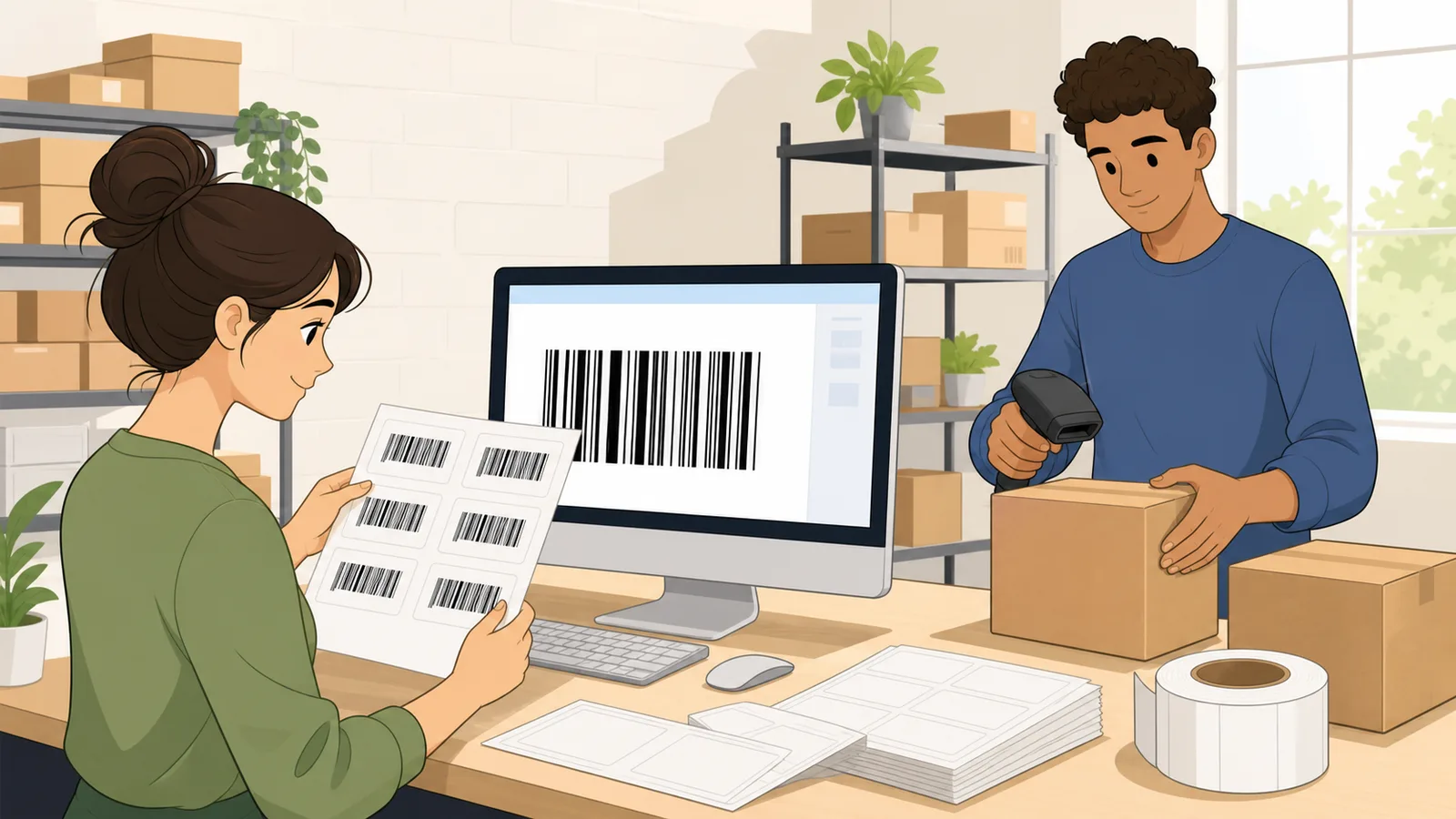
Barcode Generator instructional illustration

Barcode Generator

Create a free barcode online for Code 128, UPC-A, EAN-13, EAN-8, Code 39, or ITF-14 with client-side generation, check digit validation, SVG and PNG download.

Last updated

Free barcode generator Create a client-side barcode for Code 128, UPC-A, EAN-13, EAN-8, Code 39, or ITF-14. Use the built-in validation, automatic check digit handling, and SVG or PNG export before you print labels, packaging, inventory stickers, or scanner test codes.

Common barcode jobs

Start from the use case, then refine the symbology, data, quiet zone, and print size.

High-density alphanumeric barcode for shipping labels, order IDs, SKUs, serials, and internal inventory.

Printable ASCII text, up to 80 characters for a practical label.

← All Data calculators

Barcode Basics

Barcode generator guide: Code 128, UPC, EAN, Code 39, and ITF-14 labels

A barcode generator turns product numbers, SKUs, serials, carton IDs, order references, and asset tags into a scanner-readable 1D barcode image. This free barcode generator runs client-side in your browser, supports common international formats, validates UPC and EAN check digits, and exports SVG or PNG files for labels, packaging, retail tests, inventory workflows, and scanner setup.

What this online barcode generator creates

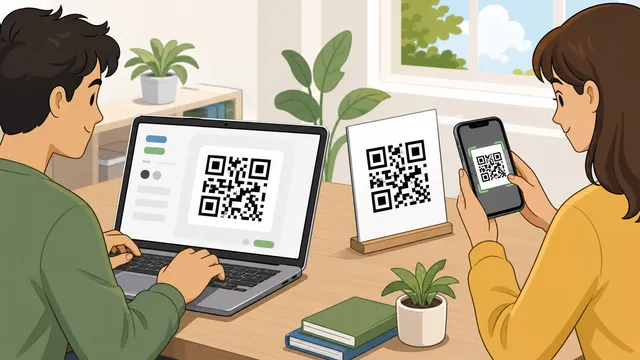
This page is a barcode maker for the most common linear barcode jobs: Code 128 for shipping and inventory, UPC-A for North American retail products, EAN-13 for international retail products, EAN-8 for small packaging, Code 39 for industrial asset tags, and ITF-14 for cartons and cases. It is deliberately separate from Calcipedia's QR code generator because QR codes usually serve phone-scanning, web-link, WiFi, and contact-sharing intent, while this page serves product label, retail, warehouse, and scanner workflow intent.

The strongest search intent behind barcode generator, free barcode generator, barcode maker, barcode creator, online barcode generator, Code 128 generator, UPC barcode generator, EAN barcode generator, and ITF-14 barcode generator is practical: enter a value, know whether it is valid, see a scannable preview, then download a clean barcode file without signup or watermark friction.

Competitor tools often compete on a long symbology list or bulk label export. Calcipedia keeps the primary workflow narrower: high-intent 1D barcode formats, readable warnings, check digit honesty, and local SVG or PNG output for one barcode at a time. That makes the page better for validating a product label, warehouse location, carton code, or scanner test value before it moves into a dedicated label-sheet or enterprise barcode workflow.

  • Code 128 barcodes for SKUs, order IDs, shipping labels, warehouse locations, ticket references, and scanner test data.
  • UPC-A and EAN-13 barcodes for retail product identifiers when you already have a legitimate GTIN.
  • EAN-8 barcodes for compact retail packaging where full-size EAN-13 or UPC-A labels do not fit.
  • Code 39 barcodes for older industrial, lab, government, equipment, and asset-tracking systems.
  • ITF-14 barcodes for outer cases, cartons, pallets, and warehouse receiving labels.
Barcode image generation is not barcode number registration

A free barcode generator can create the visual symbol, but it cannot make an invented UPC or EAN number legitimate for retail. For consumer products, marketplace listings, and supply-chain identifiers, the encoded GTIN usually needs to come from GS1 or the correct issuing process for the market and use case. This is why the calculator warns when you generate UPC-A, EAN-13, EAN-8, or ITF-14 labels.

That distinction is one of the most common user traps. A page can draw a barcode image that scans technically, but the number can still be unregistered, duplicated, assigned to another company, or rejected by a retailer. Use this tool for rendering, validation, proofing, and print workflow; use the proper issuing authority or internal system of record for the identifier itself.

Further reading

How to choose Code 128, UPC, EAN, Code 39, or ITF-14

Choose Code 128 when you need a flexible barcode for text or numbers, especially for internal inventory, shipping, fulfillment, order references, and asset labels. It is usually more compact than Code 39 for the same data. Choose Code 39 when a legacy scanner, industrial workflow, lab system, or government process specifically expects that symbology.

Choose UPC-A for a 12-digit GTIN used in North American retail, and EAN-13 for a 13-digit GTIN used internationally. Choose EAN-8 only when the product package is too small for a normal retail symbol and the identifier has been assigned for that purpose. Choose ITF-14 for outer packaging, such as cases and cartons, rather than for checkout labels.

Check digits and why UPC/EAN validation matters

UPC-A, EAN-13, EAN-8, and ITF-14 values include a final check digit. The check digit is calculated from the preceding digits and helps scanners and receiving systems catch mistyped or malformed identifiers. This barcode generator accepts the body digits and appends the correct check digit, or accepts a complete value and validates the supplied check digit before drawing the barcode.

For example, an EAN-13 barcode can be entered as 12 body digits so the tool calculates the thirteenth digit. A UPC-A barcode can be entered as 11 body digits so the tool calculates the twelfth digit. If a full value has the wrong check digit, the page blocks the preview and explains the expected digit instead of silently drawing a barcode that looks plausible but is wrong.

Further reading

Print-ready barcode settings

A barcode that looks fine on screen can still fail after printing if the quiet zone is too small, the bars are too thin, the label is distorted, or the color contrast is weak. The quiet zone is the blank space around the barcode. Do not crop it away in packaging artwork, label software, PDFs, or thermal printer templates.

Use black bars on a white background for the most reliable scanner result. SVG is usually the safest download for print artwork because it stays sharp when resized, while PNG is convenient for quick labels, documents, and testing. For thermal labels, print a sample at the real size and scan it with the exact hardware or phone app expected in the workflow.

Use cases this barcode maker is built around

Barcode use cases tend to be more operational than decorative. Small businesses search for a barcode generator for product labels, UPC barcode maker, barcode generator for inventory, barcode generator for Amazon, barcode generator for shipping labels, barcode generator for asset tags, barcode generator for books, and barcode generator for warehouse labels because they need the right symbol quickly and they need to avoid avoidable printing mistakes.

The page therefore starts from workflow templates rather than a blank input alone. The templates cover a Code 128 shipping or SKU label, a UPC retail product label, an EAN product label, an ITF-14 carton label, and a Code 39 asset tag. Each template sets a realistic starting value and print size while still allowing manual adjustment.

What makes Calcipedia's barcode generator different

Many free barcode generator pages focus on supporting as many formats as possible, but they often leave users guessing about when a format is appropriate, whether their check digit is correct, whether the barcode number is official, and which download format is safer for print. Calcipedia prioritises fewer high-intent formats, clearer validation, explicit GS1 cautions, and result interpretation that matches the user's actual label workflow.

The tool is also client-side. The barcode value is rendered locally in the browser and is not intentionally uploaded by the generator. That matters for internal SKU lists, order numbers, inventory labels, warehouse locations, and scanner test values that do not need to leave the user's device just to create a barcode image.

Worked example: UPC barcode for a product label

Suppose you have an 11-digit UPC body for a product label: 03600029145. Choose UPC-A, enter the 11 digits, and the calculator appends the check digit 2 to create 036000291452. The preview then renders the UPC-A barcode with human-readable text below it, and you can download SVG for packaging artwork or PNG for a quick test label.

Before using that barcode commercially, confirm that the GTIN is legitimately assigned to the product and company. Then test the final printed label at the real size, on the real material, and with the scanning hardware used by the retailer, warehouse, or marketplace workflow.

Frequently asked questions

Is this a free barcode generator?

Yes. The page creates barcodes in your browser with no Calcipedia signup, watermark, hosted redirect, or upload step. You can download SVG or PNG output from the live preview.

What barcode types does this barcode maker support?

It supports Code 128, UPC-A, EAN-13, EAN-8, Code 39, and ITF-14. Those formats cover common shipping, inventory, product label, asset tag, retail, and carton workflows.

Can I make a UPC barcode for Amazon or retail products?

You can render a UPC-A barcode image if you have the correct GTIN-12. For Amazon, retail stores, and supply-chain use, the number itself should be legitimately assigned, usually through GS1 or the appropriate official route. The image generator does not register or license the number.

What is the difference between UPC and EAN barcodes?

UPC-A is a 12-digit retail barcode commonly associated with North American products. EAN-13 is a 13-digit retail barcode used internationally. Both are part of the broader GTIN system and include a final check digit.

What is Code 128 best for?

Code 128 is best for flexible alphanumeric data such as SKUs, order IDs, serial numbers, ticket references, warehouse locations, and shipping labels. It is usually more compact than Code 39 for the same value.

What is Code 39 best for?

Code 39 is useful for older industrial, government, military, lab, library, and equipment workflows that already expect Code 39. It is simple and widely supported, but it produces wider barcodes than Code 128.

What is an ITF-14 barcode used for?

ITF-14 is used for outer cases, cartons, and distribution packaging. It is not normally the barcode printed on a single consumer product for retail checkout.

Does this tool calculate UPC and EAN check digits?

Yes. Enter 11 digits for UPC-A, 12 for EAN-13, 7 for EAN-8, or 13 for ITF-14 and the tool appends the check digit. If you enter a complete value, it validates the final digit before rendering.

Should I download SVG or PNG for barcode printing?

Use SVG when the barcode will be placed into print artwork, labels, packaging, or a design file because it stays sharp when resized. Use PNG for quick documents, previews, simple labels, or scanner testing.

Can barcode colors be changed?

The tool lets you change line and background colors, but black bars on a white background are the safest choice. Low contrast, reversed colors, glossy material, or cropped quiet zones can reduce scanning reliability.

Is this barcode generator private?

Barcode rendering happens locally in the browser. The tool is designed for client-side generation, so the encoded value is not intentionally uploaded to Calcipedia just to draw the barcode.

Does this tool create GS1-128 application identifier barcodes?

No. Code 128 is the underlying linear symbology, while GS1-128 adds GS1 application identifier rules for data such as GTIN, batch, expiry date, and serial values. This page can make general Code 128 barcodes, but it does not validate full GS1-128 application identifier strings, FNC1 placement, or trading-partner implementation rules.

Can I generate barcode label sheets in bulk?

This page is built for one carefully checked barcode at a time, which is useful for proofing a value, testing a scanner, or preparing a single label asset. For large SKU batches, export the validated identifiers from your source system and use dedicated label software or a bulk barcode workflow that can preserve quiet zones, label dimensions, printer DPI, and item-by-item approval.

Also in Data

Related

More from nearby categories

These related calculators come from the same leaf category, nearby sibling categories, or the same top-level topic.