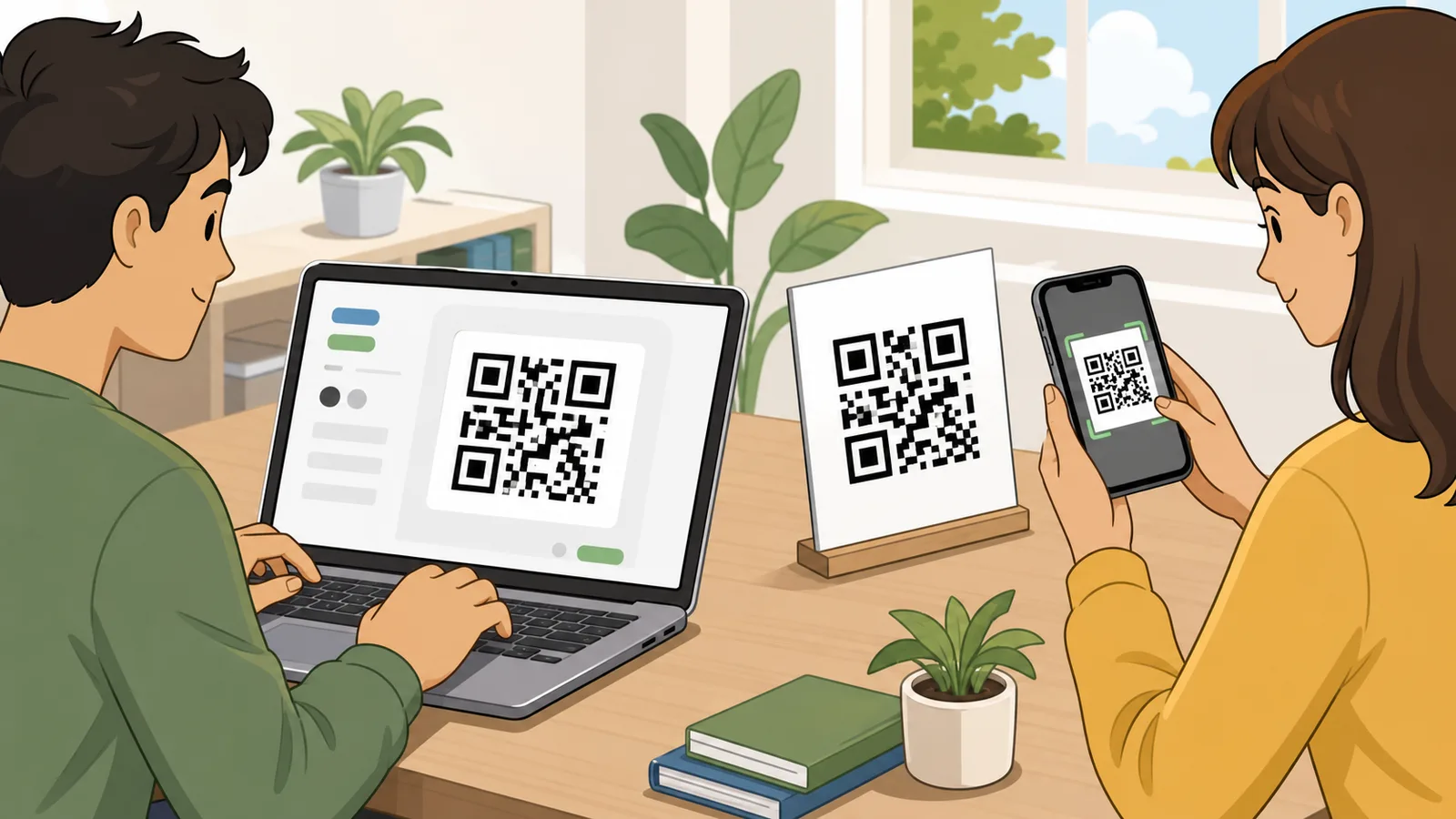
Create a free static QR code in your browser for URLs, WiFi, vCards, email, SMS, WhatsApp, phone numbers, map locations, events, or text with logo, color.
Last updated
Static QR code generator Create a free QR code in your browser for URLs, WiFi, vCard contacts, email, SMS, phone, WhatsApp, map locations, events, or plain text. Download PNG or JPEG output; Calcipedia does not host, redirect, track, or expire the code.
Common QR code jobs
Start with the use case people most often search for, then adjust the payload, print settings, and design.
URL: Website links, Google Forms, menus, PDFs hosted online, social profiles, and landing pages.
Design and print settings
Live QR preview
Website URL QR code
compact
Loading QR preview...
Static QR code for www.calcipedia.org.
Compact payload. This is the easiest kind of QR code to scan and print.
The QR payload is generated in your browser as a static code. It is not uploaded, redirected, tracked, or hosted by Calcipedia.
This page creates static QR codes. The destination is stored directly in the code, so there is no Calcipedia redirect, subscription, scan limit, or hosted short link. If you need edit-after-print or scan analytics, use a dynamic QR service and understand the renewal and expiry terms before printing.
QR code generator guide: static codes, WiFi, vCards, and print-ready downloads
A QR code generator turns a website link, WiFi login, vCard contact, email, SMS, WhatsApp message, map location, event, or short text into a scannable code. This free QR code generator is built for static QR codes that do not rely on a Calcipedia redirect, account, subscription, or scan-tracking service, which makes it useful for business cards, menus, flyers, labels, Google Forms, PDF links, and international everyday use.
What this free QR code generator creates
This page creates static QR codes directly in the browser. A static QR code stores the final payload inside the QR pattern itself, so a website QR code stores the URL, a WiFi QR code stores the network details, and a vCard QR code stores the contact fields. That is different from a dynamic QR code service, where the printed code usually points to a hosted redirect that can be edited, tracked, paused, or expired by the provider.
The core search intent behind qr code generator, QR code maker, QR code creator, QR builder, qrcode generator, and free QR code generator is usually simple: create a code quickly, download it, print it, and avoid surprises later. Calcipedia therefore keeps the static-versus-dynamic trade-off visible inside the tool instead of hiding it behind a signup or a trial flow.
URL QR codes for websites, Google Forms, menus, social profiles, landing pages, and hosted PDF files.
WiFi QR codes for guest networks, rentals, cafes, offices, events, and home routers.
vCard QR codes for business cards, badges, networking, stickers, and contact-sharing workflows.
Email, SMS, phone, WhatsApp, map-location, event, and plain-text QR codes for common daily tasks.
Static QR codes, no expiration, and why users get caught
Many people search for a free QR code generator no expiration, QR code generator no sign up, free static QR code generator, or QR codes that do not expire because they have seen tools blur the line between static and dynamic codes. A static code cannot be switched off by the generator site once the image has been downloaded, because the destination is already encoded in the image. A dynamic code can be useful, but it depends on the provider keeping the redirect active.
That distinction matters most when the QR code is going on physical material. A business card, table tent, poster, label, wedding invite, event sign, or product insert may stay in circulation for months or years. If the code is a trial-based dynamic redirect, the printed material can fail later. If it is a static QR code pointing to a destination you control, it is not dependent on a QR vendor account.
Further reading
StackQR static QR explanation — Competitor example that clearly positions static browser-generated QR codes as no-signup and no-expiration.
goQR.me QR code generator notes — Long-running QR generator with useful public guidance on static codes, print formats, and QR code limitations.
How to choose the right QR code type
The best QR code type depends on the job. Use a URL QR code when the destination lives online, such as a website, Google Form, Google Drive file, PDF, menu, shop page, YouTube video, Instagram profile, Facebook page, or booking link. Use a WiFi QR code when the main task is helping someone join a network without typing a password. Use a vCard QR code when the code belongs on a business card, conference badge, or contact handout.
For international use, phone-number and messaging QR codes should include the country code, because a code printed in one country may be scanned by a visitor, customer, or colleague using another locale. Email QR codes are best for support addresses and pre-filled enquiries. Event QR codes can be useful for calendar details, but scanner support varies, so they need more testing before print than ordinary website links.
Print quality, quiet zones, contrast, and logos
A print-ready QR code needs more than a working preview. The quiet zone is the blank space around the code that helps scanners find the pattern. Strong contrast is also important: dark modules on a light background are more reliable than low-contrast, reversed, or heavily styled designs. If the code will be printed small, placed on packaging, or scanned in poor light, a simpler design is usually better than a decorative one.
QR codes can tolerate some damage through error correction, which is why a QR code with logo can work when the logo covers only a limited central area. However, the logo is still hiding part of the code. Use higher error correction, keep the logo small, preserve the quiet zone, avoid low contrast, and scan the final exported image on more than one device before sending it to print.
Further reading
DENSO WAVE — QR code error correction — Primary QR code reference explaining levels L, M, Q, and H and how higher correction increases robustness while also increasing symbol size.
Competitor QR code makers often compete on download formats because people need different files for different workflows. Calcipedia now exports a high-resolution PNG for sharp transparent-friendly digital placement and a JPEG for documents, email attachments, and systems that prefer smaller ordinary image files. Both exports keep the same quiet-zone, color, logo, and error-correction choices shown in the live preview.
For print artwork, keep a master copy of the highest-quality export and avoid repeatedly resizing or recompressing the same QR image. If a printer, design app, or label template changes the background, crops the quiet zone, or compresses the image heavily, scan the final exported proof again rather than assuming the original preview result still applies.
Why the shortest useful payload usually scans best
QR code density increases as the encoded payload gets longer. A short website link generally produces a cleaner and easier-to-scan QR code than a long paragraph, a full calendar entry, or a vCard with every possible contact field. If the code is intended for a poster, product package, sticker, or small business card, the payload length is often the first thing to reduce.
For PDF QR code searches, the strongest pattern is not to embed the PDF file inside the QR code. Host the file somewhere reliable, then create a QR code for that stable URL. The same logic applies to restaurant menus, Google Docs, Google Drive files, product manuals, and event information: point the static QR code at a maintained page or file URL rather than trying to store bulky content directly.
What makes this QR code maker different
The practical gap in many QR code generator pages is not the encoding algorithm; it is the product honesty around what happens after download. Calcipedia's QR code maker is designed around static codes, browser-side generation, clear payload previews, print warnings, error-correction guidance, no forced sign-in, and no hidden dynamic redirect. That directly addresses searches such as QR code generator free no sign up, free QR code generator no expiration, static QR code generator, and safe QR code generator.
The tool also starts from real workflows rather than a blank box. Website, guest WiFi, business card, WhatsApp, and event templates cover the use cases people search for most often, while the manual controls still support URL QR code generator, WiFi QR code generator, vCard QR code generator, QR code for business card, QR code for Google Form, QR code for PDF, and WhatsApp QR code generator intent.
Worked example: QR code for a business card
Suppose you want a QR code for a business card. A vCard QR code can store your name, organisation, title, phone number, email address, website, and address. When someone scans it, their phone may offer to save the contact without manual typing. For a printed business card QR code, the most important checks are spelling, country-code formatting, contrast, quiet zone, and whether the logo leaves enough of the QR pattern visible.
If the contact details may change often, a static vCard QR code is less flexible than a QR code that points to a contact page you control. In that case, a static URL QR code to a profile page can be better than embedding every field. You can then update the profile page later without changing the printed QR image.
Frequently asked questions
Is this a free QR code generator?
Yes. The page creates static QR codes in your browser. There is no Calcipedia account, trial, scan limit, hosted redirect, or subscription needed for the code you download.
Do QR codes created here expire?
Static QR codes created here do not expire because the payload is stored directly in the QR image. The destination can still fail if the website, file, phone number, or WiFi network encoded in the QR code stops working.
What is the difference between a static and dynamic QR code?
A static QR code stores the final payload directly in the code and cannot be edited after printing. A dynamic QR code usually stores a redirect URL controlled by a service, which can support editing and analytics but may depend on an account, subscription, or provider uptime.
Can I make a QR code for a PDF?
Yes, but the best method is to host the PDF at a stable URL and create a URL QR code for that link. Embedding large file content directly in a QR code is not practical or reliable for ordinary scanners.
Can I create a WiFi QR code?
Yes. Choose the WiFi mode, enter the network name, encryption type, password, and hidden-network setting. Remember that anyone who can scan the QR code can read or use those network details.
Can I create a QR code for a business card?
Yes. Use the vCard mode to encode contact details, or use URL mode to point to a contact page you control. A contact page is often better when the details may change after the card is printed.
Can I add a logo to the QR code?
Yes. Upload a small center logo and keep error correction on H. Logos hide part of the code, so keep the logo modest, preserve the quiet zone, and test the final PNG on multiple devices before printing.
Should I download the QR code as PNG or JPEG?
Use PNG when you want the cleanest master image for websites, presentations, design files, labels, or print proofs. Use JPEG when a document system, email workflow, or upload form prefers ordinary photo-style image files. In either case, avoid cropping the quiet zone and test the final placed image at its real size.
Which error correction level should I use?
M is a balanced default for many clean uses. Q or H is better for print, packaging, outdoor use, scuffed material, or QR codes with a logo. Higher correction improves tolerance but can make the QR symbol denser.
Why does a shorter URL make a better QR code?
Shorter payloads usually create simpler QR patterns with fewer modules. That makes the code easier to scan at small sizes or from a distance. For print, a short stable URL is usually better than a very long tracking link.
Is this QR code generator safe for private data?
The payload is generated locally in the browser and is not intentionally uploaded by the tool. However, QR codes are visible data: anyone who sees or scans the finished code can read what it contains, so avoid putting secrets into public QR codes.
Can I track scans with this QR code maker?
No. This page creates static QR codes with no Calcipedia tracking redirect. If you need analytics, point the code to a URL you control with your own analytics, or use a dynamic QR service after reviewing its pricing and expiry terms.