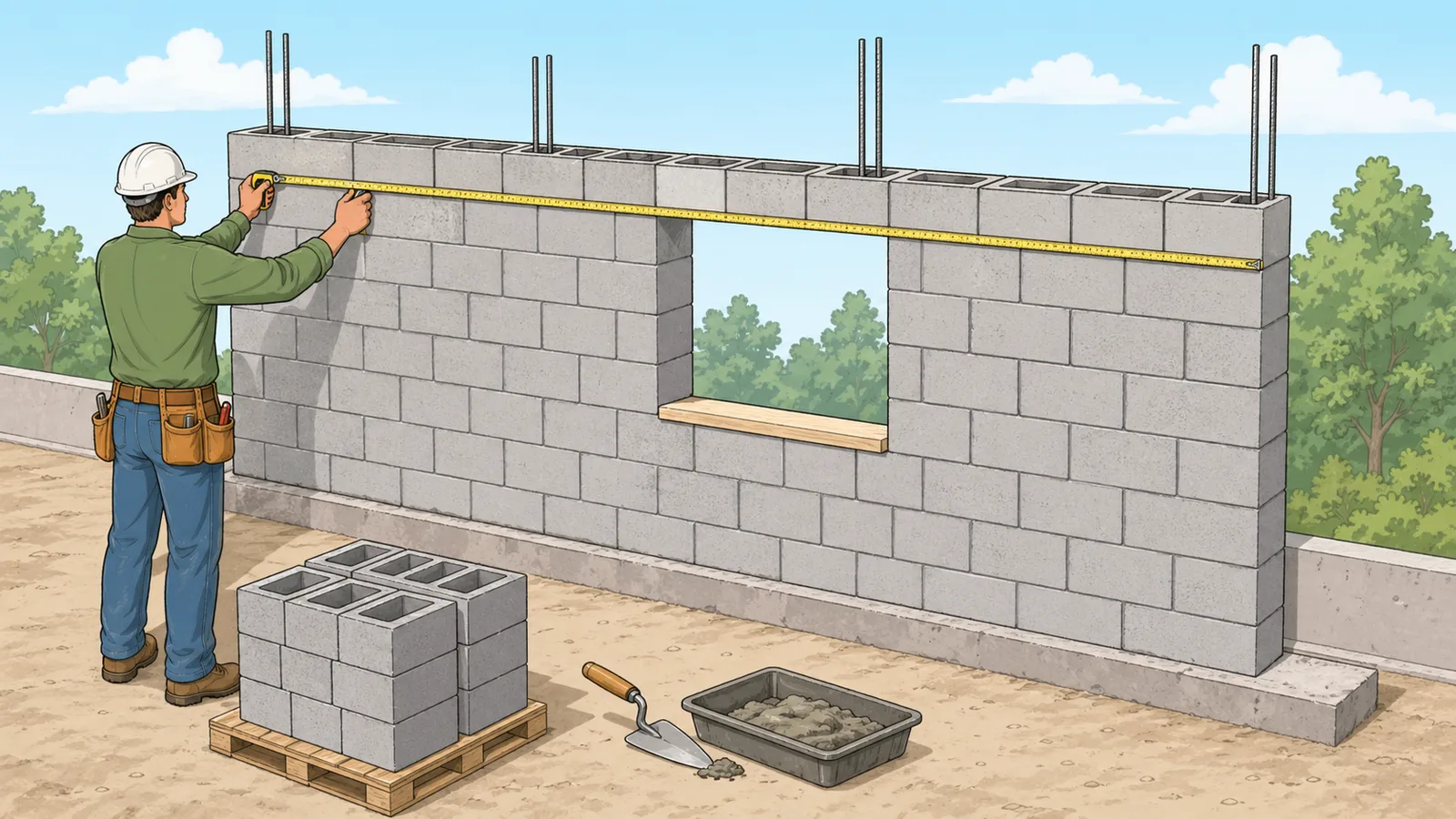
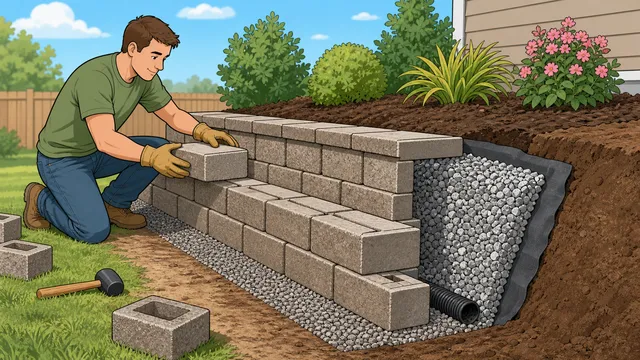
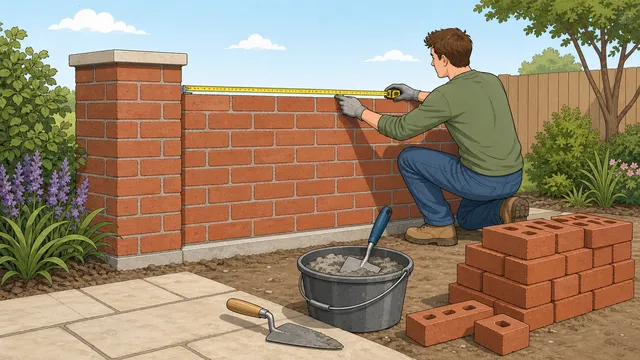
Estimate concrete block count, repeated wall sections, courses, blocks per course, waste blocks, blocks per area, and mortar-bed volume from wall size.
Last updated
Concrete block wall estimate Estimate block count, wall area, courses, and mortar-bed volume from one or more matching CMU wall runs, openings, waste allowance, and a common block preset.
Quick examples
Result
184 blocks
Estimated block count after openings deduction and waste allowance, based on 1 wall section at 6,000 mm long and 2,400 mm high.
Gross wall area
14.4 m²
Net wall area
14.4 m²
Estimated courses
11.43
Blocks per course
14.63
Mortar-bed volume
0.137 m³
Block module
410 mm × 210 mm
Blocks before waste
167.25
Waste blocks added
16
Blocks per area
11.61 blocks/m²
Ordering note
Use the headline count for the CMU block order and the pre-waste count to see how much of the total is coming from the waste allowance.
Layout check
Compare blocks per course, courses, and blocks per area against the wall plan before ordering; odd values usually point to the preset, joint, or opening deduction.
How to use this result
Use the block count for ordering, the area figures to sanity-check the wall layout, and the mortar-bed volume to plan joint material before construction. Confirm block type, bond pattern, and structural requirements with your spec or code.
For garages, basement walls, or boundary runs with repeated sections, keep the wall length as one repeated run and increase the identical wall sections field so the course and per-course checks remain readable.
Concrete block count, wall area, courses, and mortar-bed planning for CMU walls
A concrete block calculator helps you estimate how many CMU units a wall needs before you order material or check layout assumptions. This page also explains the main assumptions behind the concrete block count, wall area, courses, and mortar-bed planning for cmu walls result, highlights the supporting figures shown by the calculator, and helps the reader use the estimate without overstating what a quick online tool can prove.
What this concrete block calculator is estimating
A concrete block wall is usually estimated from the module size rather than the bare block size alone. The working module includes the unit dimensions plus the mortar joint, because that combined face is what determines blocks per course and the number of courses needed to reach the wall height.
That is why a concrete block wall calculator can do more than simply count units. It can show gross wall face, net wall face after deducting openings, approximate courses, blocks per course, and a mortar-bed planning volume that helps you size the job before ordering.
This page is most useful when you are estimating standard wall runs made from common CMU sizes. It is not trying to replace a full masonry takeoff or structural masonry schedule.
Core CMU estimating formulas
The logic starts with gross wall area and subtracts the total opening area you enter. It then derives a module area from the selected block preset and mortar joint thickness, divides the net wall area by that module area, and applies waste after the base unit count is found.
Gross wall area = Wall length x Wall height x Identical wall sections
This is the full wall face before doors, windows, and other voids are deducted, including any repeated wall runs entered in the calculator.
Net wall area = Gross wall area - Opening area
Openings are removed from the wall face because they do not need block coverage.
Module area = (Block length + Joint) x (Block height + Joint)
The block estimate uses module size because mortar joints change both horizontal and vertical coverage.
Order quantity = ceil((Net area / Module area) x (1 + Waste%))
Waste is added after the base estimate to reflect cuts, breakage, and handling loss.
Blocks per unit area = 1 / Module area
This provides a quick coverage check in blocks per square metre or blocks per square foot for the selected CMU module.
Why module size matters more than bare block size
A nominal block size such as 8 x 8 x 16 is a useful starting label, but wall estimating works from the effective module that includes the mortar joint. Even a small change in joint thickness shifts both the blocks-per-course figure and the total course count, which is why the same wall can produce different results under different joint assumptions.
That module-first approach is also why block presets matter. A half block, a thinner partition block, or a deeper unit can change the wall coverage meaningfully even when the wall face dimensions are unchanged. If the result looks wrong, the first thing to verify is usually the selected block preset and joint thickness rather than the wall dimensions.
How to use the result on a wall takeoff
Use the headline block count as an ordering figure, and use the courses and blocks-per-course figures to check whether the wall feels proportionate to the intended layout. If the course count or module width looks wrong, it is usually a sign that the selected block preset or mortar joint does not match the real wall specification.
For example, a 6 m by 2.4 m wall with 1.2 m² of openings, a 10 mm joint, and a standard 400 x 200 mm block preset returns 169 blocks after waste. That figure is much more useful than gross area alone because it already reflects the wall openings and the chosen module size.
The gross-area and net-area figures also help you sanity-check the deduction you entered for doors and windows. If the net wall face seems too low or too high, the opening deduction is often the item to recheck.
Repeated wall sections and quick wall-count planning
Many searches for a concrete block estimator are really asking about more than one matching wall section: two garage side walls, several boundary-wall bays, or repeated basement runs with the same height and length. The identical wall sections input lets you keep one wall run visible while scaling the gross area, net area, base block count, waste blocks, and mortar-bed planning volume across the repeated sections.
That is different from simply multiplying the final order quantity by hand. Keeping the repeated sections inside the calculator preserves the course count and blocks-per-course checks for one run while still giving the total CMU block order for all matching runs. It also keeps opening deductions transparent, because the openings field should represent the total opening area across the repeated sections you are estimating.
If the walls are not identical, estimate each run separately and total the block orders after reviewing each section. Separate runs are more reliable when one wall has extra doors, a different height, returns, pilasters, or a different block preset.
Mortar-bed volume, waste, and ordering context
The mortar-bed output is best treated as a planning figure rather than a direct bag-count or mix-design instruction. It helps you understand the scale of the job before you compare mortar products, staging, and delivery assumptions, but it does not replace the actual bag yield or mix guidance from the product you plan to use.
Waste allowance still matters because block walls rarely go up without cuts, breakage, and layout adjustments. A modest waste percentage can prevent the order from coming up short, especially on walls with many openings, corners, returns, or short infill sections.
The blocks-before-waste and waste-blocks-added outputs make that allowance easier to audit. Instead of seeing only the final concrete block order, you can tell how many units the wall geometry itself needs and how many extra units were added for handling loss and cuts.
Standard CMU presets and wall-coverage checks
A standard block preset usually fits general CMU wall estimating. Half blocks help when you are thinking about closures or shorter modular runs. Partition blocks are useful for thinner walls, and deeper blocks are relevant when the wall build-up is thicker than a standard partition.
The blocks-per-course and estimated-courses outputs are especially helpful when checking whether the chosen preset matches the real unit size. If those geometry checks seem implausible, the preset is often the source of the mismatch.
Standard preset: useful for common wall runs and general CMU ordering
Half preset: useful when checking closures or shorter modular runs
Partition preset: useful for thinner non-structural wall sections
Deep preset: useful when the specified block is thicker than a typical wall unit
Blocks per square metre or square foot as a coverage check
Competitor concrete block calculator pages often quote a standard coverage rule such as blocks per square foot for an 8 x 8 x 16 CMU. This calculator shows a live blocks-per-area figure instead, because the correct coverage changes when the block preset or mortar joint thickness changes.
Use that blocks-per-area result as a quick reasonableness check. A standard CMU module should land close to familiar rule-of-thumb coverage, while half blocks, different module lengths, or unusual joint assumptions will move the figure. If the coverage number is far from what your supplier or drawing schedule expects, verify the preset before ordering.
What this result does not cover
This tool is a planning estimator, not a full masonry takeoff. It does not include grout fill, reinforcement, bond beams, specialty shapes, lintels, movement joints, control joints, or structural design requirements. It also assumes openings can be deducted as simple rectangles and that the selected preset represents the real block being used.
Use it to plan standard wall runs, then confirm the final block type, reinforcement, grout, and mortar specification from the drawings and project notes before ordering.
If the wall includes corners, returns, pilasters, bond beams, or significant cutting, split the layout into separate runs and check the details against the actual masonry schedule instead of relying on one simple wall-face estimate.
Frequently asked questions
How many concrete blocks do I need for a wall?
A concrete block calculator estimates that from the net wall area and the module area of one CMU unit plus mortar joint. After the base count is found, a waste allowance is added to reach the order quantity.
Does mortar joint thickness change the block estimate?
Yes. Joint thickness changes the block module dimensions, which affects both blocks per course and the number of courses across the full wall height.
Should I deduct windows and doors from a block wall estimate?
Yes. Deducting opening area gives a more realistic net wall face and usually reduces the base unit count before waste is applied.
Does this include grout, rebar, or bond beams?
No. This page estimates wall coverage and an indicative mortar-bed volume only. Grout fill, reinforcement, bond beams, and specialty masonry units need separate planning.
How many blocks are in a square metre or square foot of wall?
That depends on the selected block preset and mortar joint thickness because the calculator uses the working module rather than bare block size alone. The safest answer is the blocks-per-course and wall-coverage result produced by the preset you actually intend to use.
What waste allowance should I use for concrete block ordering?
There is no single rule that fits every job. Simpler straight runs can often use a lower allowance, while walls with more openings, corners, returns, or cutting usually justify a higher allowance. The calculator treats waste as a planning input rather than as a code or supplier rule.
Can I calculate concrete blocks for several matching walls at once?
Yes. Use the identical wall sections input when the wall runs share the same length, height, block preset, and joint thickness. Enter the total openings area across those repeated sections so the concrete block wall calculator scales the net area, block count, waste blocks, and mortar-bed volume together.
Can I use this for load-bearing or retaining walls?
You can use it for a basic material estimate, but not for structural design. Load-bearing and retaining walls can need reinforcement, grout, bond beams, and engineering checks that this calculator does not model.
Does the mortar-bed volume equal the number of mortar bags I need?
Not directly. The mortar-bed figure is a planning volume. Mortar bag coverage varies by product and mix, so you still need the manufacturer or supplier yield information to convert volume into bags.
What if my openings area is larger than the wall area?
That is not a valid wall estimate, so the calculator warns instead of returning a result. The total openings deduction must be smaller than the gross wall face.