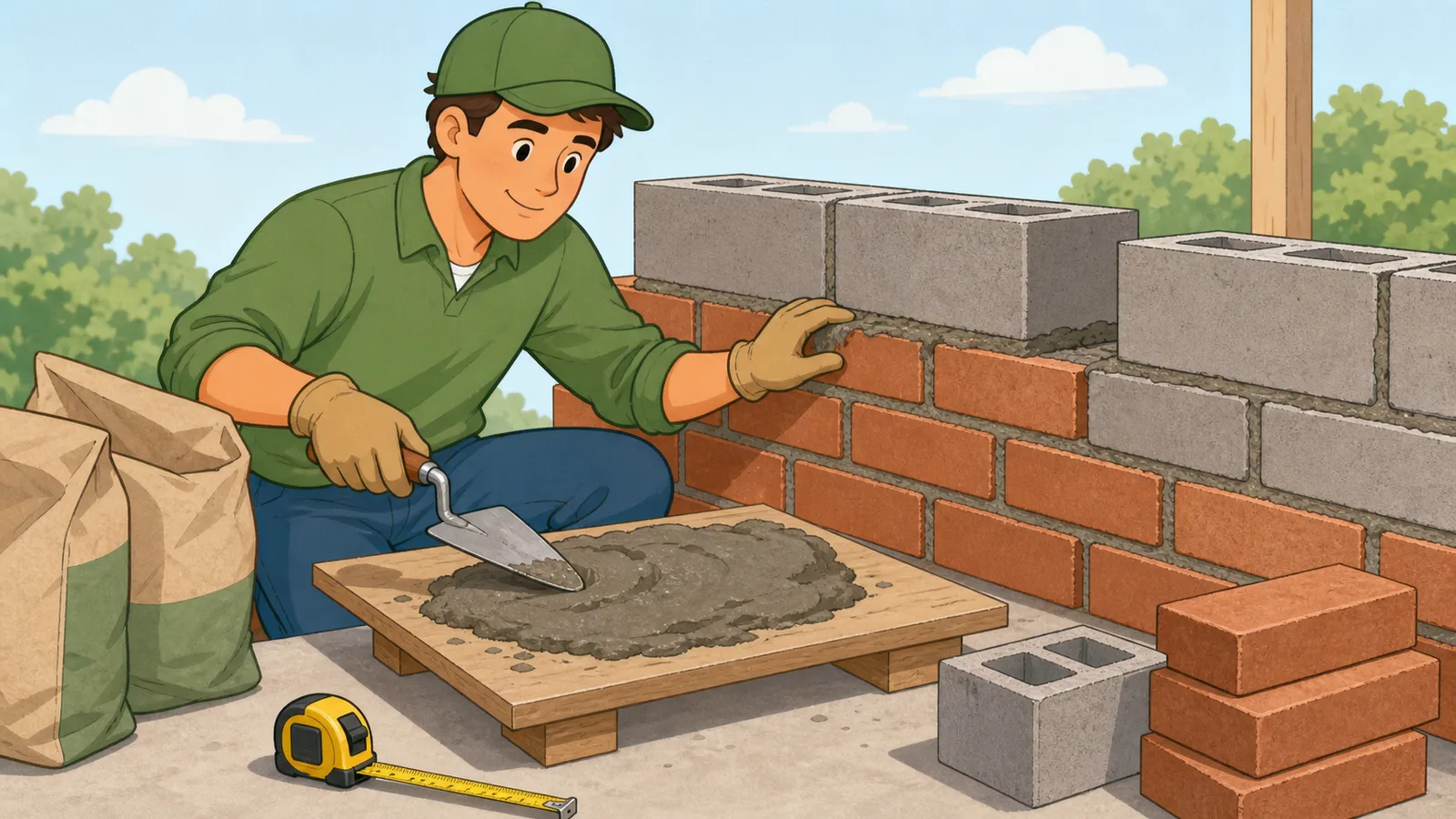
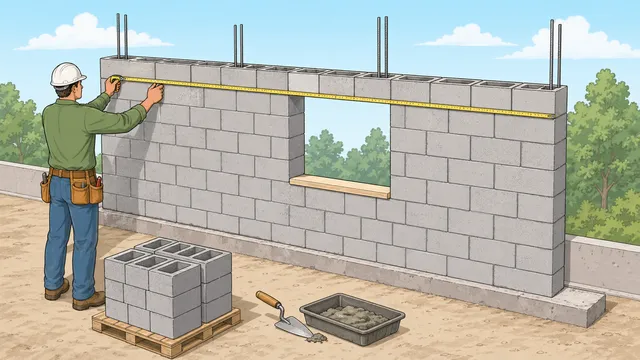
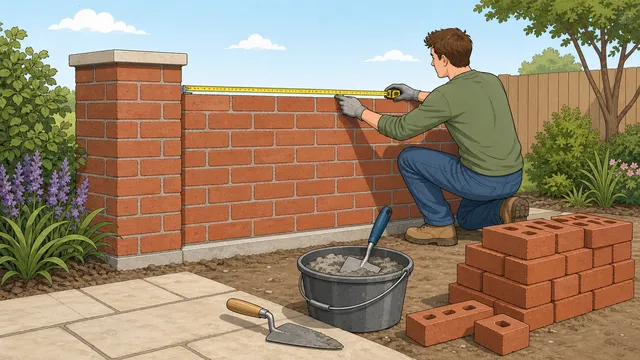
Estimate mortar volume, brick or block bag count, product-specific bag yield, and optional material cost from wall dimensions, joint size, opening deductions.
Last updated
Masonry mortar planning Estimate mortar volume, premix bag equivalents, and optional material cost from wall area, opening deductions, masonry unit size, joint thickness, and a practical waste allowance.
Quick project examples
Mortar to plan for
9.73 ft³
Waste-adjusted mortar volume for the net wall area after opening deductions.
Net wall area
160.00 ft²
Estimated units
1,098
60 lb bags
19
80 lb bags
14
Product-specific bag plan
Order 14 bags at 0.70 ft³ per bag
How to use this result
Use the mortar volume as the planning figure and adjust the product bag yield to match the mortar mix you will buy. Actual yield varies with the product, joint fullness, workmanship, and how much material is lost in mixing and handling, so supplier documentation should still be checked before ordering.
Mortar volume and premix bag planning for brick, block, and masonry walls
A mortar calculator helps you estimate how much mortar a masonry wall is likely to need before you order premix bags or compare material options. It uses wall dimensions, opening deductions, masonry unit size, joint thickness, and waste allowance to turn a wall face into a practical mortar-planning figure.
What this mortar calculator is solving
Mortar quantity is not based on wall area alone. Joint thickness, masonry unit size, and wall thickness all change the amount of mortar implied by the wall layout, which is why a simple square-foot or square-metre figure is not enough when you want a realistic order estimate.
This mortar estimate is built from a repeating masonry module. The module combines the unit face size with the joint thickness, then compares the jointed module with the solid unit face to estimate how much of the wall volume is occupied by mortar rather than by the masonry unit itself.
Core masonry mortar formulas
The calculator first solves the gross and net wall area, then builds a module area from the masonry unit dimensions plus the mortar joint. From there it estimates the implied unit count, the fraction of wall face occupied by joints, and the mortar volume before waste is applied.
Gross wall area = Wall length x Wall height
This is the full wall face before deducting any openings.
Module area = (Unit length + Joint) x (Unit height + Joint)
The repeating unit-and-joint module governs how many masonry units cover the wall face.
Mortar volume ≈ Net wall area x Wall thickness x Joint fraction
The joint fraction compares the module area with the masonry unit area to estimate how much of the wall volume is mortar.
Order volume = Base mortar volume x (1 + Waste%)
Waste is added after the base estimate to create a more practical premix ordering figure.
How to use the mortar and bag-count result
Use the mortar volume as the main planning number and treat the bag counts as premix equivalents rather than exact purchase guarantees. Premix yield varies by product, consistency, workmanship, joint fullness, and how much material is lost in mixing and handling, so supplier documentation should still be checked before ordering.
For example, a 20 ft by 8 ft wall built in modular brick with 3/8 in joints needs about 9.73 cubic feet of mortar after a 10% waste allowance. That works out to roughly 14 80 lb bags when you use a common premix yield assumption for early planning.
Using bag yield and price per bag
A mortar bag calculator is most useful when the bag yield matches the product you will actually buy. Different 60 lb, 80 lb, 20 kg, and 25 kg bags can publish different mixed-volume yields, so the page includes a product-yield override instead of forcing every project into one fixed coverage rule.
Enter the yield from the bag, product sheet, or supplier listing, then add an optional price per bag if you want an early material-cost check. The cost estimate is intentionally currency-neutral because this mortar mix calculator is universal; use the same currency as your local quote or store price.
Brick, block, and CMU planning differences
A brick mortar calculator and a block mortar calculator answer the same basic question, but they can produce very different bag counts. Bricks use more units per square foot or square metre, while CMU and concrete block walls use larger modules with fewer face joints but a much thicker wall section.
For that reason, the calculator exposes unit length, height, thickness, and joint thickness instead of hiding the estimate behind a single wall-area rule. This makes it useful for modular brick, king brick, metric brick, standard concrete block, and custom masonry units.
What this result does not cover
This tool is a mortar planning calculator, not a full masonry takeoff. It does not include reinforcement, grout fill, special shapes, cavity-wall detailing, movement joints, bond beams, or any structural design requirement. It also assumes relatively consistent joint thickness and full joints rather than site-specific workmanship variation.
Use it for early ordering and cost checks, then confirm the final mortar type, yield, and quantity from the actual masonry specification and the premix product documentation you intend to use.
Frequently asked questions
How much mortar do I need for a brick or block wall?
You need more than just the wall area. Mortar quantity depends on wall dimensions, masonry unit size, wall thickness, joint thickness, and any openings you are deducting. A mortar calculator combines those values into a practical mortar-volume estimate.
Why does joint thickness change the mortar estimate?
Because the joint thickness changes the repeating masonry module. Wider joints increase the amount of wall volume occupied by mortar and usually increase the mortar order quantity.
Can I use this mortar calculator for premix bag planning?
Yes. The calculator converts the estimated mortar volume into premix bag equivalents so you can compare bag counts early, but the actual yield of the product you buy should still be checked before ordering.
How do I use the product bag yield field?
Enter the mixed mortar yield printed on the bag or product data sheet. Use cubic feet per bag when the calculator is in imperial mode and cubic metres per bag when it is in metric mode. The product-specific bag plan then rounds up to whole bags using that yield.
Why does this mortar calculator include price per bag?
Bag count is useful, but many users also need a quick material-cost check before choosing a premix product or supplier. The price field is optional and currency-neutral; enter the local price in your own currency and the calculator multiplies it by the rounded bag count.
Is a brick mortar calculator different from a block mortar calculator?
The estimating model is similar, but the unit dimensions are different. Brick walls usually have many more units and face joints, while block and CMU walls have larger modules and thicker units. Selecting the right preset or entering the actual unit size is what keeps the mortar quantity realistic.
How much waste allowance should I add for mortar?
A 10% allowance is a common starting point for tidy, straightforward work. Use a higher allowance when joints are irregular, access is awkward, the crew is less experienced, the project involves small batches, or you want a stronger buffer against delivery delays.
Does this calculator replace a full masonry takeoff?
No. It is a mortar-only planning tool. Reinforcement, grout, special units, movement joints, and detailed masonry takeoff items still need to be measured separately from the drawings and specification.