Percent of a number
Answers: What is X% of Y, or what percent is X of Y?
Reference: The known whole or total
Watch for: Switch modes before changing inputs so the labels match the question.
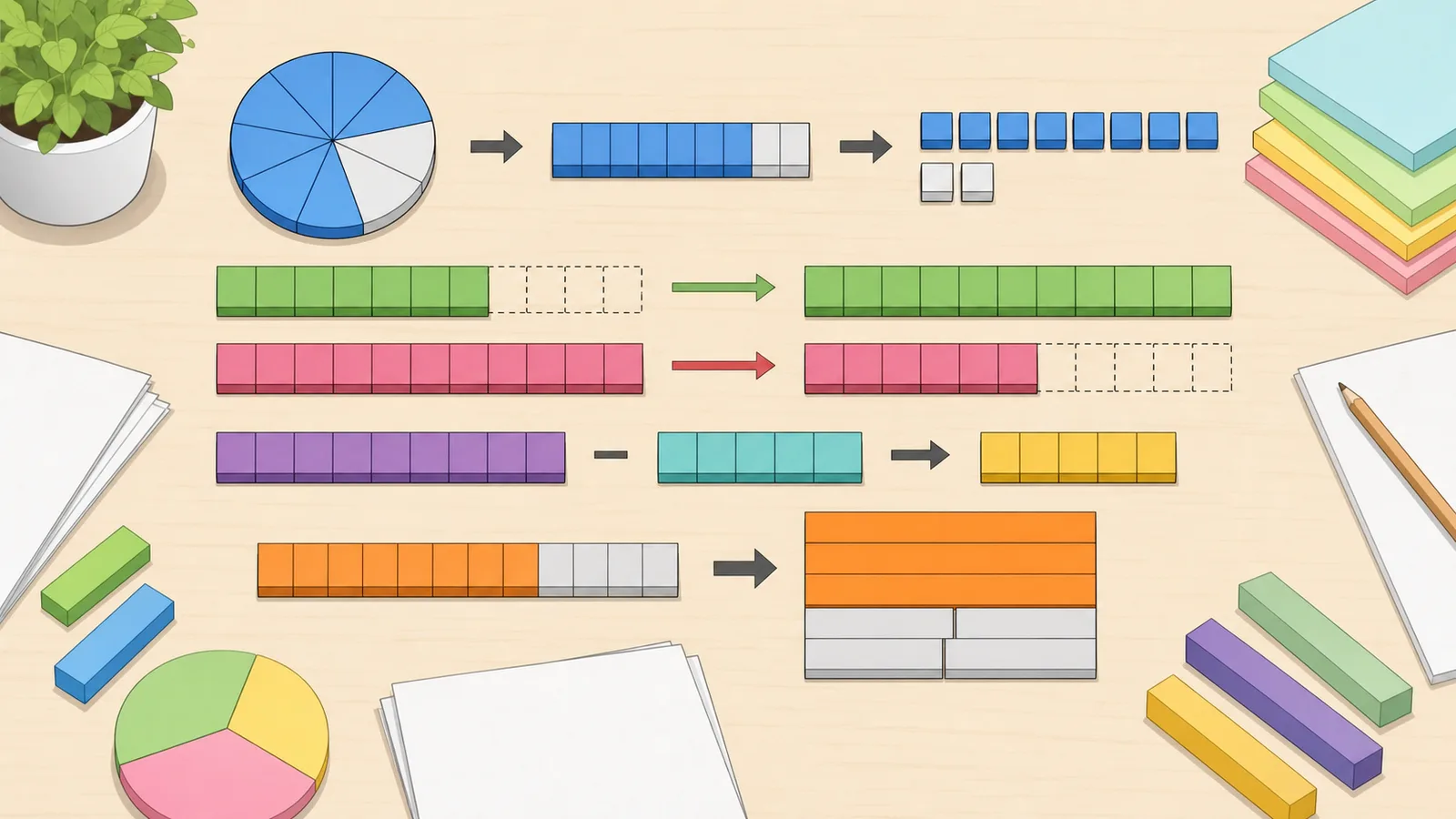
Use one percentage calculator for percent change, value after a percent change, increase, decrease, difference, error, reverse percentage.
Last updated
Percentage workflows
Use one percentage calculator for part-whole questions, percent increase, percent decrease, percent change, percent difference, percent error, percent of a percent, and percentage conversions to decimal, fraction, or ratio. Each panel keeps the formula, input labels, and result interpretation tied to the specific question.
Use the right reference value
Most percentage mistakes are denominator mistakes. Percent change uses the original value, percent difference uses the average of two values, and percent-to-total divides the known part by the decimal percentage.
Active workflow
Answer "what is X% of Y?", "X is what percent of Y?", and "X is Y% of what?" in one workflow.
Find a percentage of a number, what percent one number is of another, or the whole from a part and percentage.
Mode
Percent of a number
Answers: What is X% of Y, or what percent is X of Y?
Reference: The known whole or total
Watch for: Switch modes before changing inputs so the labels match the question.
Percent increase, decrease, or change
Answers: How far a value moved from an original baseline
Reference: The original value
Watch for: Percent change is directional; reversing old and new changes the result.
Percent difference
Answers: How far two values are apart without choosing a baseline
Reference: The average of the two values
Watch for: Use this for symmetric comparison, not before-and-after growth.
Conversions
Answers: How a percentage looks as a decimal, fraction, or ratio
Reference: 100 as the denominator
Watch for: Percentages above 100 are valid and become decimals greater than 1.
| Workflow | Answers | Reference value | Watch for |
|---|---|---|---|
| Percent of a number | What is X% of Y, or what percent is X of Y? | The known whole or total | Switch modes before changing inputs so the labels match the question. |
| Percent increase, decrease, or change | How far a value moved from an original baseline | The original value | Percent change is directional; reversing old and new changes the result. |
| Percent difference | How far two values are apart without choosing a baseline | The average of the two values | Use this for symmetric comparison, not before-and-after growth. |
| Conversions | How a percentage looks as a decimal, fraction, or ratio | 100 as the denominator | Percentages above 100 are valid and become decimals greater than 1. |
The former specialist pages still matter as search intents: percent change, percent increase, percent decrease, percent difference, percent error, percent of a percent, percent to decimal, percent to fraction, percent to ratio, percent of a number, and reverse percentage. They now resolve into one canonical percent calculator with anchored workflows for each job.
Specialist calculators such as percent yield, grade percentage, winning percentage, return percentage, and weight loss percentage stay separate because they add domain-specific inputs or interpretation beyond general percentage arithmetic.
Percentage Calculator
This percentage calculator brings the common percentage workflows into one page: what is X% of Y, X is what percent of Y, percent increase, percent decrease, percent change, percent difference, percent error, percent of a percent, percent to decimal, percent to fraction, percent to ratio, and reverse percentage from a part and percentage. Use the tool selector first so the calculator applies the right denominator and formula for the question.
The same numbers can produce different percentage answers depending on the reference value. A percent calculator for part-whole problems uses the whole as the denominator. A percent change calculator uses the old or original value. A percent difference calculator uses the average of the two values so neither value dominates the comparison.
That is why the master calculator is split into anchored workflows. The old specialist intents still exist as tool modules, but the canonical page makes the first decision explicit: are you finding a part, comparing old and new values, comparing two equal-standing values, measuring error, or converting a percentage into another form?
When users ask what is X percent of Y, they are converting a rate into part of a whole. A percent is a quantity per hundred, so 25% means 25 out of 100, or 0.25 as a decimal. This is the formula behind discounts, tips, tax estimates, grade weights, and many everyday percentage problems.
The inverse question is X is what percent of Y. That compares a part against a total. For example, if 30 out of 120 items are selected, 30 divided by 120 times 100 gives 25%. That same workflow is often searched as percent of total, percentage of total, part of total percentage, or what percentage is one number of another.
Part = (Percent / 100) x Whole
Use this for questions like what is 20% of 80.
Percent = (Part / Whole) x 100
Use this for questions like 16 is what percent of 80.
Whole = Part / (Percent / 100)
Use this reverse-percentage formula when you know the part and its percentage of the whole.
Percent change compares the difference between a new value and an old value with the old value. A positive result indicates a percentage increase; a negative result indicates a percentage decrease. The formula works for prices, populations, test scores, revenue, measurements, and trend analysis.
For example, if a price rises from 40 to 52, the percent change is (52 - 40) / 40 x 100 = 30%. If the price then falls from 52 to 40, the percent change is (40 - 52) / 52 x 100 = -23.08%. The percentage change is not symmetric because the denominator changed.
Use the percent increase panel when the question is framed as growth, the percent decrease panel when the question is framed as a drop or reduction, and the percent change panel when you want the signed result in one place.
Percent change = ((New - Old) / Old) x 100
Signed before-and-after comparison. This is the specific relationship the calculator applies when building the result.
Percent increase = ((New - Original) / Original) x 100
Growth from the original value. This is the specific relationship the calculator applies when building the result.
Percent decrease = ((Original - New) / Original) x 100
Drop from the original value. This is the specific relationship the calculator applies when building the result.
Many percentage questions are not only about comparing two known values. Sometimes you know the starting value and want the value after a 15% increase, a 20% decrease, or another signed percent change. In that case, convert the percentage into a multiplier and apply it to the starting value: add the percent to 1 for an increase, subtract it from 1 for a decrease, then multiply.
The reverse percent-change question works in the opposite direction. If a sale price, score, population, or revenue figure already includes a known percentage increase or decrease, divide the final value by the same multiplier to recover the original value. A final value of 92 after a 20% decrease came from 92 / 0.8 = 115, while a final value of 138 after a 15% increase came from 138 / 1.15 = 120.
This is different from the part-whole reverse percentage panel. Percent to total answers questions such as 30 is 25% of what total. Reverse percent change answers questions such as 92 is the result after 20% off, so what was the original value before the discount?
Value after change = Starting value x (1 + Percent change / 100)
Use a positive percent for an increase and a negative percent for a decrease.
Original value = Final value / (1 + Percent change / 100)
Use this to reverse a known percentage increase or decrease.
Percent difference answers the question, how far apart are these two values relative to their midpoint? Because the denominator is the average of the two values, the result stays the same if you swap the order of the inputs.
Suppose two stores quote prices of 80 and 100 for the same item. The absolute difference is 20, and the midpoint is 90. Dividing 20 by 90 gives 0.2222, so the percent difference is about 22.22%. Going from 80 to 100 is a 25% increase, while going from 100 to 80 is a 20% decrease. Those are valid percent changes, but they are not percent difference.
Use percent difference for side-by-side measurements, prices from two sellers, repeated lab readings, benchmark results, or survey percentages where neither value is the natural starting point.
Percent difference = |A - B| / ((A + B) / 2) x 100
Average-based symmetric comparison. This is the specific relationship the calculator applies when building the result.
Absolute difference = |A - B|
The raw gap between the two values before converting to a percentage.
Percent error compares an experimental or measured value with a theoretical, accepted, or true value. It is commonly expressed as an absolute value so over-estimates and under-estimates produce the same positive result.
Absolute error is the raw difference in the original units. Relative error divides that difference by the accepted value. Percent error is relative error expressed as a percentage. A small percent error does not automatically prove the measurement is sound, because systematic bias and uncertainty still matter in real lab or quality-control work.
Percent error = (|Experimental - Theoretical| / |Theoretical|) x 100
The standard absolute percent error formula.
Relative error = |Experimental - Theoretical| / |Theoretical|
The same comparison before multiplying by 100.
A percent of a percent calculator applies one percentage to another. For example, 20% of 50% equals 10%. This is useful for stacked discounts, layered commission rates, conditional probabilities, and multi-step share calculations.
The operation is multiplication after both percentages are interpreted as per-hundred values. The order does not matter for the arithmetic, but the context may still matter when explaining the result to someone else.
Result percent = (Percent 1 x Percent 2) / 100
Compound two percentages into one percentage.
To convert a percent to a decimal, divide by 100. This is equivalent to moving the decimal point two places to the left: 75% becomes 0.75, 4.5% becomes 0.045, and 250% becomes 2.5.
To convert a percent to a fraction, place the percentage over 100 and simplify. For decimal percentages such as 12.5%, first clear the decimal by multiplying the numerator and denominator by the same power of ten, then reduce to lowest terms.
To convert a percent to a ratio, use the simplified fraction form as a ratio. For example, 75% = 75/100 = 3/4, so the ratio is 3:4. A percentage above 100 can still be a valid ratio: 200% becomes 2:1.
Decimal = Percent / 100
Basic percent-to-decimal conversion. This is the specific relationship the calculator applies when building the result.
p% = p / 100
Write the percentage as a fraction over 100, then simplify.
Reverse percentage works backwards from a known part and the percentage that part represents. If 30 is 25% of the total, convert 25% to 0.25 and divide: 30 / 0.25 = 120. You can confirm the result by checking that 25% of 120 is 30.
This is useful for original-price checks, survey totals, commission back-solving, grade weights, and sample-size reconstruction. In discount problems, the final price usually represents the remaining share of the original price. A 20% discount leaves 80% of the original, so divide the sale price by 0.8, not by 0.2.
Total = Part / (Percent / 100)
Reverse percentage formula. This is the specific relationship the calculator applies when building the result.
General percentage arithmetic belongs on this page. Domain calculators stay separate when they add specialised inputs, assumptions, or interpretation. Percent yield, return percentage, grade percentage, winning percentage, weight-loss percentage, body-fat percentage, and percentile calculators are not just generic percentage forms; they answer domain-specific questions.
This consolidation reduces duplicate percentage pages without stripping away long-tail intent. Old URLs now map to the matching anchored workflow on the master page, while specialist calculators with distinct user intent remain discoverable in their own categories.
Frequently asked questions
Use the workflow that matches the denominator in your question. Use percent of a number for part-whole questions, percent change for old-to-new movement, percent difference for symmetric comparison, percent error for measured-versus-accepted values, and conversion panels when you need a decimal, fraction, or ratio.
X% of Y multiplies Y by X divided by 100. For example, 20% of 80 equals 16. X as a percentage of Y divides X by Y then multiplies by 100. For example, 16 as a percentage of 80 equals 20%.
Percentage change equals new value minus old value, divided by old value, multiplied by 100. A positive result is an increase and a negative result is a decrease. The old value cannot be zero because it is the denominator.
Turn the percentage change into a multiplier, then multiply the starting value. A 15% increase uses 1.15, a 20% decrease uses 0.8, and a 0% change uses 1. For example, 120 after a 15% increase is 120 x 1.15 = 138. If you need to work backwards from the final value, divide by the same multiplier instead.
Yes. If a value more than doubles, percent change exceeds 100%. Doubling is a 100% increase, tripling is a 200% increase, and so on.
For ordinary non-negative quantities, no. A value can fall to zero, which is a 100% decrease, but it cannot drop below zero without changing the meaning of the quantity. Some accounting or signed-value contexts need extra interpretation.
Each percentage is calculated on a different base. Taking 10% off 100 gives 90. Adding 10% back to 90 gives 99, not 100, because 10% of 90 is 9.
No. Percent change is directional and uses one value as the baseline. Percent difference is symmetric and uses the average of both values instead.
Percent change is undefined when the old value is zero because division by zero is not possible. In that situation, report the absolute change or use a context-specific comparison instead.
Percent error measures how far a measured or estimated value is from a theoretical or accepted value, expressed as a percentage of the accepted value. It is commonly used in science classes, lab work, and quality-control checks.
There is no universal acceptable percent error. The acceptable range depends on the measurement method, instrument uncertainty, field, and purpose of the result. Use percent error as an arithmetic comparison, then interpret it against the standard for your context.
Use percent of a percent for stacked discounts, compound probabilities, layered rates, and multi-step shares. For example, 20% of 50% equals 10%.
Divide the percentage by 100. For example, 75% becomes 0.75, 4.5% becomes 0.045, and 250% becomes 2.5.
Write the percentage over 100, then simplify. For example, 25% = 25/100 = 1/4. For decimal percentages, clear the decimal first, then reduce the fraction.
Convert the percentage to a fraction over 100, simplify it, then write the simplified fraction as a ratio. For example, 75% = 75/100 = 3/4 = 3:4.
Reverse percentage means working backwards from a known part and its percentage to find the whole. Divide the part by the decimal form of the percentage. If 30 is 25% of the whole, 30 / 0.25 = 120.
Guides
Step-by-step guides that use this calculator to solve real problems.
Also in Percentages
You may also need
Related
These related calculators come from the same leaf category, nearby sibling categories, or the same top-level topic.
Convert any finite decimal to a percentage, move the decimal point two places, choose rounding precision, see the fraction form.
Add, subtract, multiply, divide, simplify, compare, convert, and solve fractions with one fraction calculator covering mixed numbers, improper fractions.
Use this ratio calculator to simplify ratios, compare equivalent ratios, split an amount by ratio, convert ratios to decimal, fraction, and percentage form.
Calculate the golden ratio relationship between two values and find the missing value given one side of the proportion.