How do I calculate how much siding I need for my house?
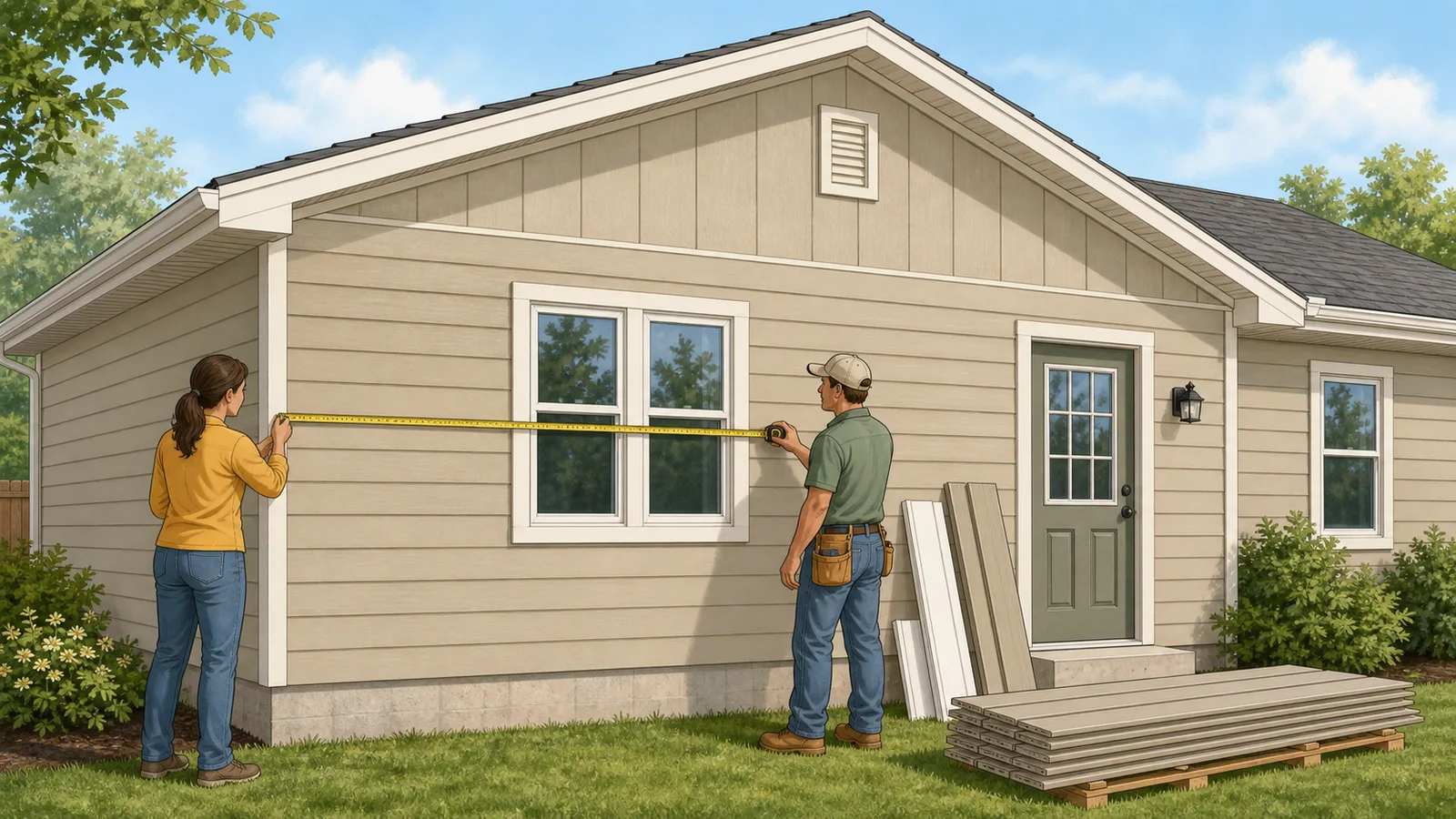
Measure the exterior wall area, add any gable area, subtract windows and doors, add a waste allowance, and divide by 100 to convert the result into siding squares. This calculator automates that workflow from perimeter-style wall dimensions.
What is a square of siding?
One square of siding equals 100 square feet of wall coverage. It is the standard estimating and ordering unit used in siding work.
Why can siding squares be very different from house square footage?
Because house floor area and exterior wall surface area are not the same thing. Siding follows wall height, perimeter, gables, and openings, not the finished interior floor plan.
How much siding waste should I plan for?
About 10 percent is a common starting point for simpler elevations. More complex houses with many corners, gables, short runs, and interruptions may justify 12 to 15 percent or more.
Should I subtract windows and doors?
Yes, if your starting measurement is gross wall area. Doors and windows reduce the actual surface that needs siding, so subtracting them improves the estimate.
How do gables affect the estimate?
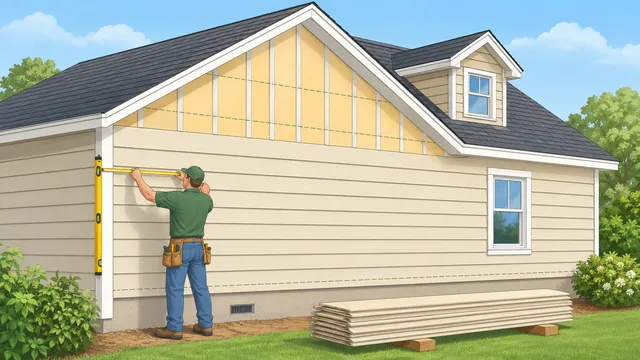
Gables add triangular wall area above the main wall line. If you ignore them, the siding estimate can end up materially low, especially on taller or more articulated elevations.
Why does the calculator show cartons, boxes, or bundles as well as squares?
Because squares are the estimating unit, but cartons, boxes, or bundles are closer to the purchasing unit. The package count gives a more practical ordering view, even though the exact product label should still be checked before purchase.
Can I use this for vinyl, fiber cement, and engineered wood siding?
Yes, as a planning estimate. The calculator includes simple package assumptions for several common siding types so the square count can be translated into a rough unit count.
Can I use metres and square metres in this siding calculator?
Yes. Switch the calculator to metric mode before entering dimensions. The calculator accepts metre and square-metre inputs, then still reports siding squares because a siding square remains a 100-square-foot ordering unit.
Should I enter four wall lengths or one total perimeter?
Use four wall lengths when you are measuring each elevation separately. Use the total-perimeter option when your drawing, takeoff, or site measurement already gives one exterior perimeter figure.
How should I handle unusually large windows or doors?
Change the average door and window area fields instead of relying on the default deductions. This is useful for patio doors, garage openings, bay windows, or projects where standard opening sizes would understate or overstate the siding area.
Can this estimate metal siding panels?
Yes, as an early planning estimate. Choose the metal siding panels option to use a panel-count assumption, then confirm the real panel width, length, overlap, and trim requirements against the product you intend to buy.
Does this calculator estimate trim too?
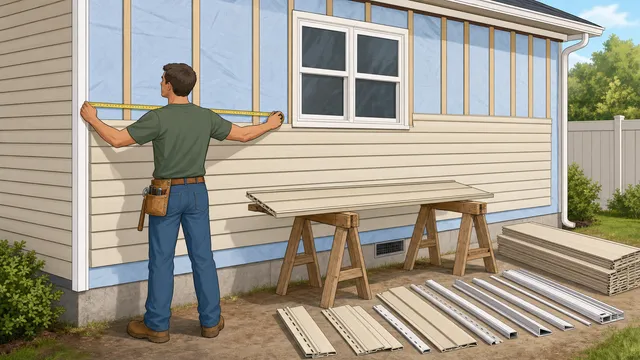
It gives rough planning values for starter strip, J-channel around standard openings, and corner trim based on outside-corner count and wall height. Those values are estimating aids, not exact accessory schedules.
Can I use the price result as a contractor quote?
No. The optional price result only multiplies squares by the price per square you enter. It does not know whether that figure includes labor, tear-off, trim, flashing, or brand-specific accessories.