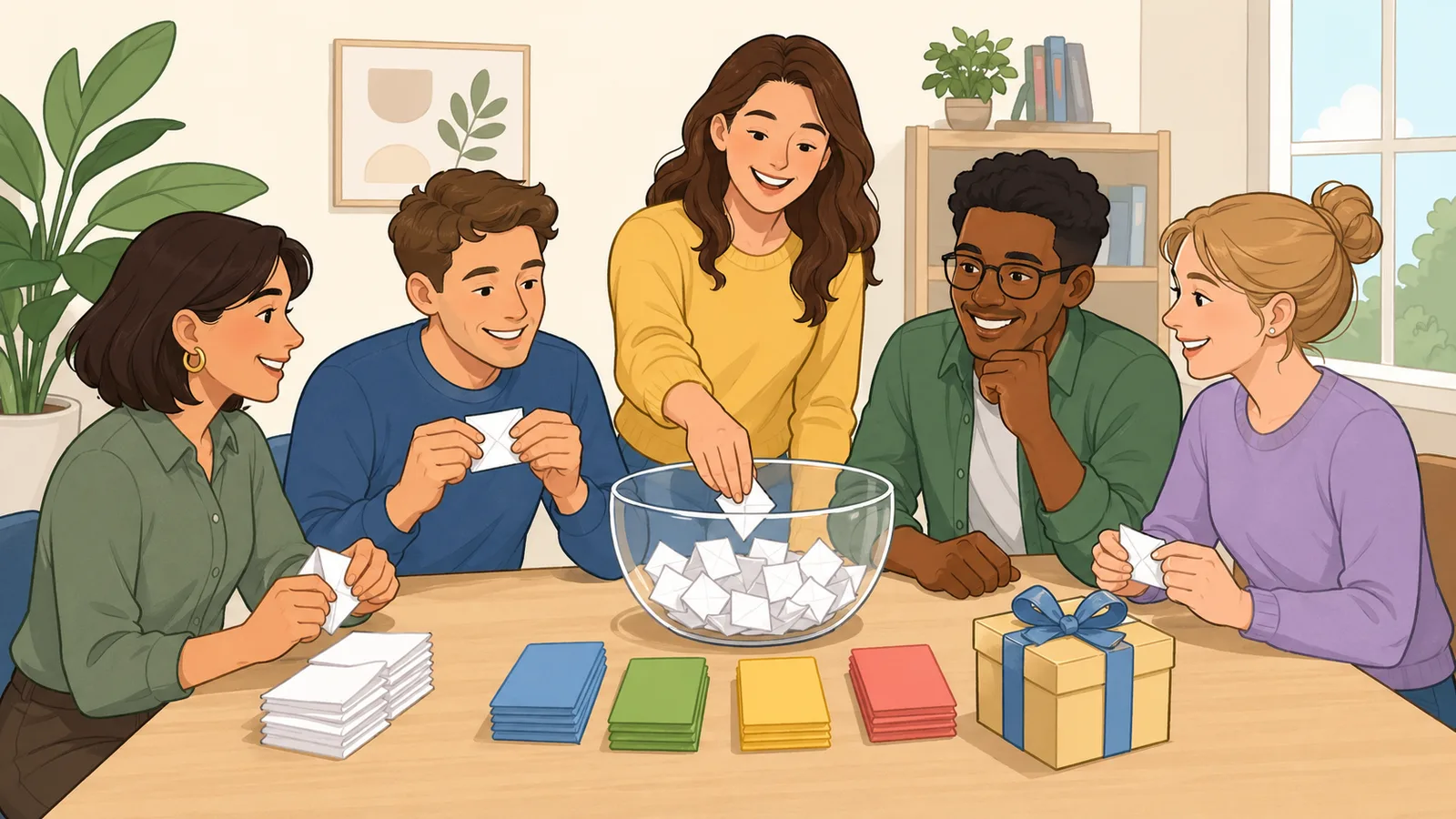
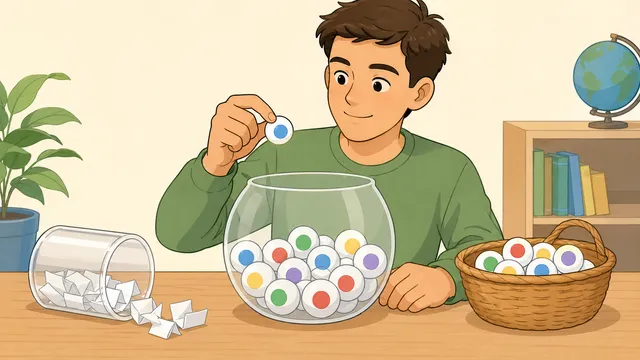
Use this sweepstake generator to randomly assign teams, prizes, horses, or numbers to names, including shared-entry draws for oversized office pools.
Last updated
Paste the people in your sweepstake, then paste the teams, horses, drivers, prizes, or numbers you want to draw.
The tool shuffles both lists and gives you a clean, shareable result for office pools, football tournaments,
race days, classroom draws, and party games.
Quick number presets
Replace the entry list with numbered spots for race cards, shirt numbers, raffle tickets, or simple office pots.
Draw mode
Cap the draw at one team, horse, prize, or number per name.
Popular sweepstake ideas
Football & team draws
World Cup, Women's World Cup, UEFA Euro, Copa America, office tournament pools, and fantasy-style team picks.
Racing & motorsport
Grand National runners, other horse races, Formula 1 drivers, NASCAR fields, derby days, and race-night fundraisers.
Office & school pools
Prize draws, desk sweepstakes, classroom pairings, task allocation, team-building games, and party competitions.
Smaller lists
Super Bowl props, playoff picks, two-team finals, charity raffles, and quick winner-or-task assignments.
Result
Ready to run a sweepstake draw Add names plus teams, horses, prizes, or numbers, then run the draw to build a clean assignment list with copy and download actions.
Sweepstake generator guide: randomly assign teams, horses, prizes, or numbers to names
A sweepstake generator takes a participant list and an entry list, shuffles both, and turns them into a clear draw sheet you can share immediately. That makes it useful as a World Cup sweepstake generator, a Euro or Grand National draw tool, an F1 or NASCAR office pool helper, or a simple prize draw for friends, classrooms, and workplaces.
What a sweepstake generator is actually solving
Most sweepstakes fail in the same boring ways: duplicate names, unclear leftovers, arguments over whether the draw was fair, or a messy handwritten list nobody can read once the meeting starts. A sweepstake generator fixes that by taking the names and the entries you care about, randomising them quickly, and producing a result list that is easier to copy into chat, email, or a printed handout.
The page is built for the awkward cases that show up in real office pools. A World Cup sweepstake generator may need 48 numbered spots, a Grand National draw may have a changing runner list, and a small office may have more people than teams. That is why the calculator includes one-entry, distribute-all, and shared-entry modes rather than assuming every draw has perfectly matched lists.
That basic workflow covers far more than one sport. People use sweepstakes for football tournaments such as the FIFA World Cup, Women’s World Cup, UEFA Euro, Copa America, and domestic cups, but the same format also works for Grand National runners, Formula 1 drivers, NASCAR fields, race-night raffles, office prize draws, charity events, school competitions, and low-stakes party games.
Football pools for World Cup, Women’s World Cup, UEFA Euro, Copa America, AFCON, and club tournaments
Horse-racing draws such as the Grand National, Derby day, Cheltenham cards, and local race meetings
Motorsport draws for Formula 1, NASCAR, IndyCar, and other driver-based event lists
Office, classroom, and party draws for prizes, tasks, Secret Santa-style assignments, and quick team splits
How the random assignment works
The draw has two practical modes because real sweepstakes rarely come in perfectly matched list sizes. One-entry-each mode is the cleanest option when every person should receive at most one team, horse, prize, or number. If you have more entries than people, the spare entries are left visible so you can redraw or hold them back without confusion.
Distribute-all mode is better when you want every entry used even if the lists are uneven. The tool still shuffles both lists first, then spreads the entries across the participant order as evenly as possible. That gives you a transparent sweepstake draw for bigger tournament fields or race cards where some people will naturally receive more than one entry.
Share-entries mode handles the opposite problem: more names than teams, horses, prizes, or numbers. It gives every participant one assignment and reuses entries only when it has to, which is useful for 48-team tournament pools, small prize pots, and quick party games where nobody should be left out.
When each person can receive at most one outcome, the number of completed assignments is capped by the shorter list.
Balanced base allocation = floor(entries / participants)
Distribute-all mode starts from an even base split, then hands the remaining entries to the next names in draw order until none are left.
Shared repeats = max(0, participants - entries)
Share-entries mode counts how many assignments needed a reused entry when there are more names than available spots.
How to run a sweepstake fairly and keep the result usable
If you want the draw to feel fair, freeze the names and entries before you click the button. That means confirming the final participant list, confirming the final team, horse, prize, or number list, and then running the sweepstake generator once the live list is settled. The page can randomise the assignment, but it cannot correct a stale event list or an organiser changing the pasted names after the fact.
It also helps to copy or download the draw sheet immediately after the result appears. That gives the office pool, classroom sweepstake, or party game a visible record that everyone can refer back to. A clean text result is often more useful than a screenshot because it can be pasted straight into email, chat, or the event notes without being reformatted.
Worked example: 10 names and a 24-team tournament
Imagine an office pool for a 24-team football tournament with 10 people entering. In one-entry-each mode, the draw makes 10 clean assignments and leaves 14 spare teams unassigned. That is useful if the organiser wants to stop at one team per person and then decide separately what to do with the remainder.
If the same lists are run in distribute-all mode, every one of the 24 teams is used. Some people receive 2 teams and some receive 3, but the difference is never more than one extra team because the entries are spread round-robin after the random participant order is set. That is usually the fairest setup for larger football, horse-racing, or motorsport sweepstakes.
Now flip the problem around. If a 48-team tournament pool has 60 people joining, share-entries mode gives all 60 names one assignment and repeats 12 entries after shuffling. The output reports those repeated assignments, so the organiser can decide whether shared teams are acceptable before sharing the final draw.
Setup tips for a clean office or friends sweepstake
The best habit is to paste the current official entrant list right before the draw. Tournament team counts, race cards, and driver fields can change, so the organiser should always use the live event list rather than relying on last year’s spreadsheet. If duplicate names or duplicate entries are intentional, keep them in the paste list so the result reflects the real pot exactly.
This tool is designed for informal draws rather than regulated raffles or paid gambling products. It helps you run a transparent team picker, horse draw, office pool, or prize assignment quickly, but it does not provide ticketing, audit logs, payment handling, or legal compliance for licensed competitions.
If a prize pot is involved, agree the sharing rules before you run the generator. Shared-entry mode is practical when two or more people can hold the same team or number, but it can also mean splitting a win if that entry succeeds. Writing that rule down in the chat or event note avoids arguments later.
That distinction matters for search intent too. Someone looking for a free online sweepstake generator or an office pool generator usually needs a fast, low-friction random assignment tool. Someone running a paid raffle or compliance-heavy promotion needs a different class of system entirely.
Can I use this as a World Cup or Euros sweepstake generator?
Yes. Paste the current tournament team list and the names in your pool, then choose the draw mode that fits the way you want to run the sweepstake. One-entry-each mode suits strict single-team draws, while distribute-all mode is better when you want every team used.
What happens if I have more horses or teams than names?
In one-entry-each mode, the extra entries are left visible as spare results so you can redraw or leave them unused. In distribute-all mode, the tool keeps every entry and spreads them as evenly as possible across the participant list.
Can I paste race numbers, driver names, or prizes instead of teams?
Yes. The entry list is generic on purpose, so it can hold horse names, saddlecloth numbers, Formula 1 drivers, NASCAR drivers, raffle prizes, tasks, or any other short list you want to assign randomly. The page is really a flexible random assignment generator rather than a sport-specific calculator.
Is this suitable for regulated raffles or paid competitions?
No. This is an informal sweepstake and office-pool helper for low-stakes draws between friends, colleagues, classrooms, and community groups. If you need licensed ticket sales, audit logs, or regulated raffle compliance, use a proper event platform that is built for that job.
How do I run a sweepstake fairly?
Freeze the participant list and the entry list before you run the final draw, then share the copied or downloaded result immediately. That gives everyone the same visible draw sheet and reduces the chance of confusion about whether names or entries changed after the random assignment was made.
Can I use duplicate names or duplicate entries?
Yes. The generator keeps duplicates intentionally because some organisers genuinely need repeated entries, repeated prize slots, or multiple names that look similar. The page also counts duplicates so you can spot them before sharing the final draw sheet.
What happens if I have more names than entries?
In one-entry-each mode, some names will stay unassigned and the output makes that explicit. If everyone must be included, use share-entries mode instead: it gives every person one assignment and reuses teams, horses, prizes, or numbers only when the participant list is longer than the entry list.
Can more than one person share the same team or entry?
Yes. Use share-entries mode when there are more names than teams, horses, prizes, or numbers and you still want every person included. The generator reuses entries only when needed and reports how many repeated assignments were created, so the organiser can explain the sharing rule before the sweepstake starts.
Can I generate numbered sweepstake entries automatically?
Yes. The quick presets create numbered entry lists for shirt numbers, raffle-style slots, race-card numbers, and similar formats, which makes the page useful as a sweepstake number generator as well as a team or prize draw tool.
Can I copy or download the results after the draw?
Yes. Once the draw is generated, you can copy the whole batch, copy the first assignment, or download the result as a text file. That makes it easy to share the office pool or event draw in chat, email, or a printable handout.