Skip to content
Calcipedia
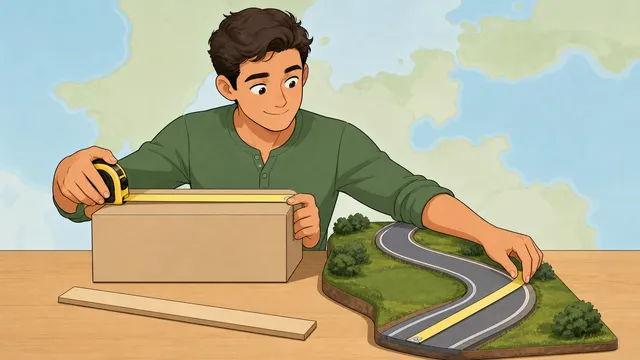
Area Converter instructional illustration

Area Converter

Use this area converter to convert square meters to square feet, square feet to square meters, acres to hectares, hectares to acres.

Last updated

Area

Convert floor, land, and map areas across metric and imperial units

Enter one area value and see square millimetres, centimetres, metres, hectares, square kilometres, square inches, square feet, square yards, acres, and square miles together.

Quick planning note

Smaller spaces usually need m² or ft². Land listings usually need hectares or acres. Regional maps and large sites are easier to compare in km² or mi².

Enter a valid area Provide a non-negative numeric area value to see the full conversion sheet.

Square metres to square feet

Use the target unit selector for m² ↔ ft² property and flooring checks.

Choose square metres as the source unit and square feet as the target unit to convert metric floor area into US-style square footage. Swap the units to convert square feet back to square metres, then use the table for square yards, acres, and hectares without running a separate converter.

Square feet and acres

Use ft² ↔ acres when a lot-size listing needs land-scale units.

One acre is 43,560 square feet. Enter square feet and target acres for the direct answer, or enter acres and target square feet to reverse the conversion. The same result sheet keeps square yards, square metres, hectares, and square miles visible for planning comparisons.

Square inches from dimensions

Use length × width for small parts, labels, panels, and tile-size checks.

The dimension workflow calculates square inches from inch, foot, yard, millimetre, centimetre, or metre inputs, then shows square feet, square metres, and square yards in the same sheet. The missing-side workflow preserves reverse square-inch intent when one side and the target area are known.

Square metres from room dimensions

Use length × width with metres, centimetres, feet, or inches for rectangular room area.

Add repeated areas, waste allowance, and optional target-unit pricing when a room, wall, or flooring takeoff needs material-order context. The result keeps m², ft², yd², hectares, and acres visible for cross-market planning.

Square yards for flooring and fabric

Choose square yards as the target unit after calculating from length and width.

The dimension workflow covers feet-to-square-yards, yards-to-square-yards, and metre-to-square-yards jobs with the same waste and price fields used for carpet, sheet goods, and other yardage-based materials.

Area stops before cubic volume

Square units describe a flat surface. Cubic feet, cubic metres, and cubic yards describe volume, and square-foot-to-cubic-foot or square-foot-to-cubic-yard workflows also need depth or thickness. Use a volume or material calculator when the project needs a third dimension, supplier rounding, density, or waste allowance.

← All Area calculators

Area

Area conversion: square metres, acres, hectares, and all the rest explained

An area converter translates any area measurement into all common units simultaneously — square millimetres through square miles. It is useful for floor plans, land records, mapping, and property comparisons, and it covers both metric and imperial area units: mm², cm², m², hectares, km², in², ft², yd², acres, and mi².

Metric and imperial area units compared

Metric area units scale in powers of ten just like length units, but because area is two-dimensional the scale factors are powers of 100 (10²) rather than 10. One square metre equals 10,000 square centimetres (100 × 100). One hectare equals 10,000 square metres. One square kilometre equals 100 hectares or 1,000,000 square metres.

Imperial area units have less regular relationships. 1 ft² = 144 in² (12 × 12). 1 yd² = 9 ft² (3 × 3). 1 acre = 43,560 ft² (an acre is defined as 10 square chains, or 66 ft × 660 ft). 1 mi² = 640 acres (1,760 yd × 1,760 yd).

Hectares and acres: the land area standards

For land area, hectares and acres are the dominant units. One hectare (ha) equals 10,000 m² and is approximately 2.471 acres. One acre equals 4,046.856 m² and is approximately 0.405 ha. The hectare is used internationally in agriculture, planning, and property; the acre is standard in the US and UK.

One square kilometre equals 100 hectares or approximately 247 acres. One square mile equals 640 acres or approximately 259 hectares (2.59 km²). These are the most-needed conversions for anyone reading land registries, planning documents, or agricultural data across different countries.

Square feet and square metres in everyday use

Floor area in buildings is measured in square feet in the US and in square metres (m²) in most other countries. One square metre equals approximately 10.764 ft². A 1,000 ft² apartment is roughly 93 m²; a 100 m² apartment is roughly 1,076 ft². This is the most common conversion needed when comparing property listings across countries.

Room area for flooring and paint calculations is often in ft² (US) or m² (UK/Europe). Tiles and flooring are sold in m² internationally and in ft² or yd² in the US. This converter shows all units from the same input.

Worked example: converting a 100 m² apartment

Suppose a property listing gives an apartment size as 100 m². Converting that area gives roughly 1,076 ft², 0.01 hectares, and 0.0247 acres. For normal home or apartment comparisons, ft² is the useful target unit, while hectares and acres are mostly too large for room-scale work.

That example shows why area converters are easiest to use when they display multiple outputs at once. The same number can be useful for an estate agent comparing countries, a tenant comparing room sizes, or a flooring buyer estimating material coverage.

Common area conversion shortcuts

Most searches for an area unit converter are really looking for a small set of high-frequency pairs: square meters to square feet, square feet to square meters, acres to hectares, hectares to acres, square feet to acres, and square miles to square kilometers. The calculator shows the direct target answer at the top and keeps the full conversion table underneath so you can check the surrounding units without rerunning the calculation.

For property and room comparisons, square meters to square feet is usually the most useful conversion because it connects international floor area listings to US-style real-estate listings. For land records, acres to hectares and hectares to acres are the most useful cross-checks because those units describe the same parcel scale in different measurement systems.

ft² = m² × 10.7639

Use for square meters to square feet when comparing apartments, rooms, floor plans, and building areas.

m² = ft² × 0.09290304

Use for square feet to square meters when converting US floor-area listings into metric planning units.

ha = acres × 0.40468564224

Use for acres to hectares in land, farm, and parcel comparisons.

Redirect-ready area pairs covered on this page

The target-unit selector covers the dedicated square metres to square feet and square feet to square metres workflow directly. Enter the known floor area, choose m² or ft² as the source unit, and choose the opposite unit as the target; the headline result gives the direct property or flooring answer while the table keeps square yards, acres, and hectares visible.

The same interface also covers square feet and acres in both directions. Enter 43,560 ft² and target acres to confirm one acre, or enter an acreage value and target square feet when a parcel listing, zoning note, or site plan needs the square-foot equivalent.

acres = ft² / 43,560

Use for lot-size listings or site plans that give square feet but need an acreage comparison.

ft² = acres × 43,560

Use when a parcel is listed in acres but construction, fencing, or planning notes need square feet.

Which unit fits the job?

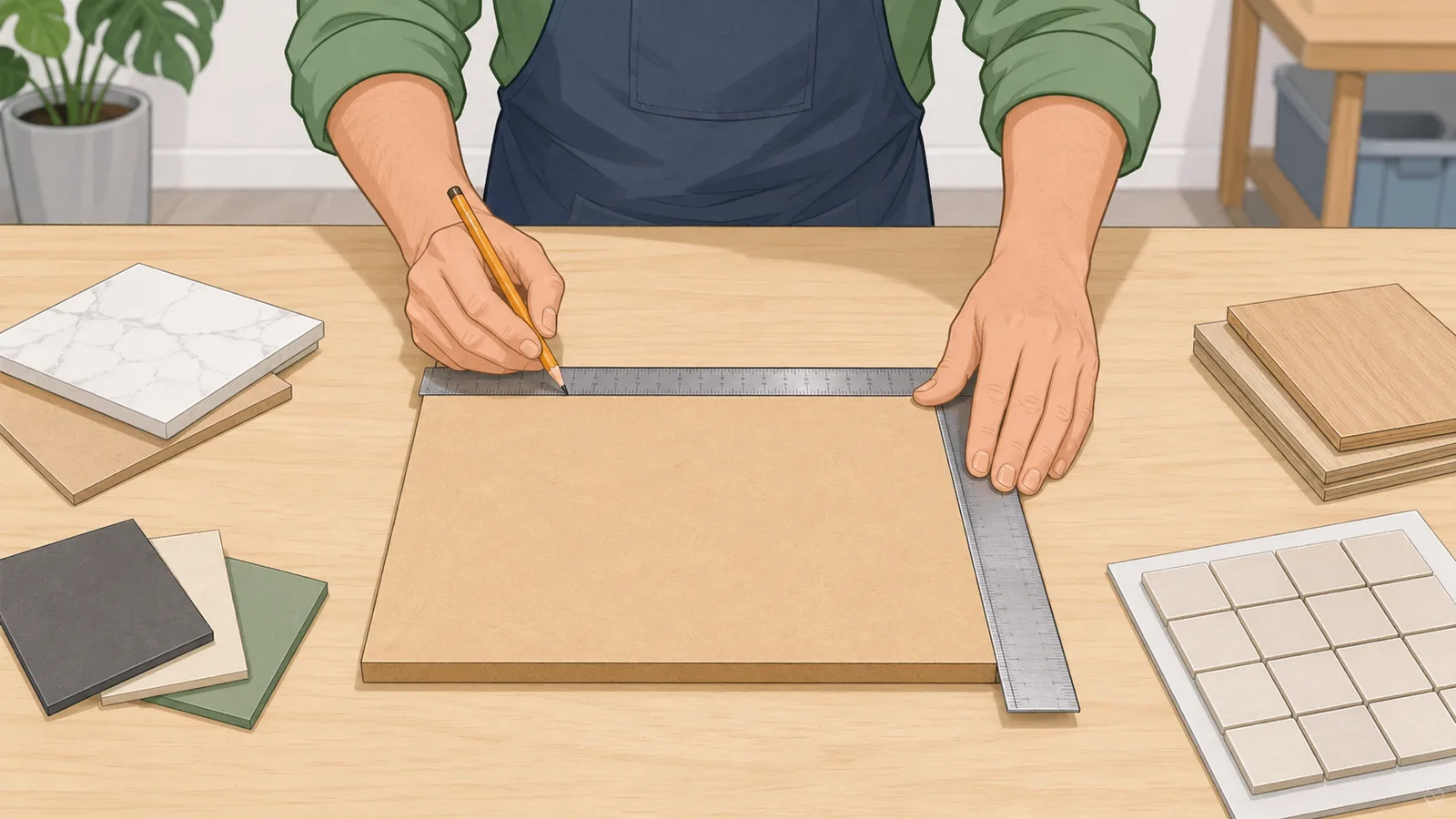
Use square metres or square feet when you are planning rooms, apartments, flooring, walls, or any other building footprint. These units are the most useful for fit-out work because they stay close to the scale of the space people actually walk through.

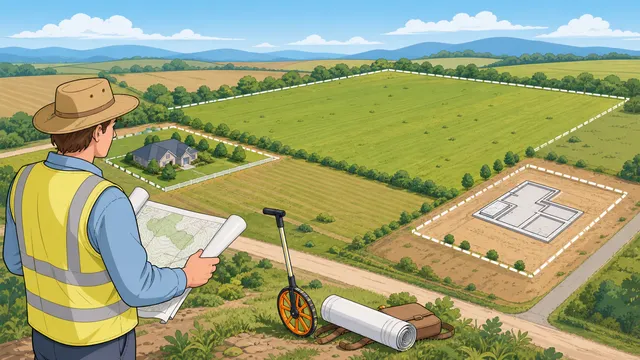
Use hectares or acres for land and property listings. They make large parcels easier to scan at a glance and are the most common units in planning, agriculture, and real-estate comparisons. Use square kilometres or square miles for regions, districts, and map-based planning where the area is too large for room-level units.

  • Rooms, flooring, and building plans: m² or ft².
  • Land, farms, and property listings: hectares or acres.
  • Maps, regions, and large sites: km² or mi².

Further reading

When area is not enough for cubic volume

Area conversion is deliberately two-dimensional. Square feet, square metres, square yards, acres, and hectares describe a flat surface or footprint. Cubic feet, cubic metres, and cubic yards describe volume, so they belong to a cubic-unit or volume workflow rather than a pure area converter.

If a project starts with square feet and asks for cubic feet or cubic yards, add depth or thickness before converting. For example, 120 ft² of mulch at 3 inches deep is 120 × (3 ÷ 12) = 30 ft³, then 30 ÷ 27 = about 1.11 yd³. Material estimators may also need density, waste allowance, bag size, or supplier rounding, which this area converter intentionally does not assume.

Calculate area from length and width

The converter now covers more than already-known area values. Use the length × width workflow when a page, drawing, product label, or flooring plan gives dimensions instead of area. Enter both sides in millimetres, centimetres, metres, inches, feet, or yards, then choose the target area unit: square inches for small panels, square metres for room takeoffs, square yards for carpet and fabric, square feet for US construction plans, or acres for lot checks.

This preserves the old square inches calculator, square meters calculator, and square yards calculator intents without requiring separate indexable pages. The same result sheet shows the converted area across all supported units, while repeated areas, waste allowance, and optional target-unit price fields keep basic material-order planning available for rectangular jobs.

Area = length × width

Used when dimensions are known and the page needs square inches, square metres, square yards, square feet, or another area unit.

Order area = base area × quantity × (1 + waste % ÷ 100)

Used for simple rectangular material takeoffs where repeated areas or cutting waste should be included before converting units.

Solve a missing side from a target area

Some square-inch and small-surface searches work backward: the area is known, one side is fixed, and the other side needs to be found. The missing-side workflow divides the target area by the known side after converting both measurements to a consistent base. It is useful for labels, small panels, patch material, drawer liners, and cut sheets where one dimension is constrained.

For example, a 144 in² area with one 12 in side requires the other side to be 12 in. If the known side is entered in feet, centimetres, or metres, the calculator normalises the units before solving and still reports the full area conversion sheet underneath.

Missing side = target area ÷ known side

Reverse area calculation used for square-inch, square-foot, square-metre, and square-yard rectangle planning.

Why square units cannot use length factors directly

Area conversion uses squared length factors. Since 1 metre is about 3.28084 feet, 1 square metre is not 3.28084 square feet; it is 3.28084 × 3.28084 = 10.7639 square feet. The same rule explains why 1 square foot is 144 square inches rather than 12 square inches.

This is the most common source of mistakes when users convert room dimensions manually. If you already know the area, convert the area directly with an area conversion calculator. If you only know length and width, calculate the area in one consistent length unit first, then convert the final square-unit result.

Using this converter for property, maps, and science

Property and real estate: enter the stated floor area in ft² or m² to get the equivalent in the other unit. Land area: enter acres or hectares for all equivalents. Geographic maps: enter km² to see the mi² equivalent or vice versa. Agricultural and scientific contexts typically use ha or km²; historical UK documents may use acres.

Note that area units scale as the square of length units. A room that is 5 m × 4 m = 20 m². Converting those lengths to feet (5 m ≈ 16.4 ft, 4 m ≈ 13.12 ft) gives 16.4 × 13.12 ≈ 215 ft² — which matches 20 m² × 10.764 ≈ 215 ft². Always convert the area directly rather than converting each dimension and then multiplying, to avoid compounding rounding errors.

Frequently asked questions

How many square feet are in a square metre?

One square metre equals approximately 10.7639 square feet. Equivalently, one square foot equals approximately 0.0929 m². The exact value is 1 m² = (1 / 0.09290304) ft², since 1 ft = 0.3048 m exactly and 1 ft² = 0.3048² m².

How many acres in a hectare?

One hectare equals approximately 2.4711 acres. One acre equals approximately 0.4047 hectares. Both are used for land area: hectares in metric countries and in international agriculture; acres in the US and UK.

What is the difference between a square kilometre and a hectare?

One square kilometre (km²) = 100 hectares (ha). A hectare is therefore one hundredth of a square kilometre. In terms of scale: 1 ha ≈ a standard city block or a medium-sized farm field; 1 km² ≈ a small town or suburb.

How do I convert square meters to square feet?

Multiply the area in square meters by 10.7639. For example, 100 m² × 10.7639 = about 1,076.39 ft². Use the converter's target unit selector when you want the direct square meters to square feet answer plus the surrounding units.

How do I convert square feet to acres?

Divide square feet by 43,560. For example, 87,120 ft² equals 2 acres. This conversion is useful when a listing or site plan gives a lot in square feet but land records, zoning notes, or agricultural comparisons use acres.

Why is 1 square metre more than 3 square feet?

Because area is two-dimensional. One metre is about 3.28084 feet, so one square metre is a square that is 3.28084 ft by 3.28084 ft. Multiplying those sides gives about 10.7639 ft².

Is this area converter for land area or floor area?

It handles both. Use square metres and square feet for floor area, rooms, apartments, flooring, and building footprints. Use acres, hectares, square kilometres, and square miles for land parcels, farms, maps, and regional comparisons.

Can I calculate square inches from length and width here?

Yes. Use the length × width mode, choose inches as the dimension unit, and choose square inches as the target unit. The same workflow can also calculate square inches from feet, yards, millimetres, centimetres, or metres.

Can this replace a square metres calculator for a room?

For rectangular room and surface takeoffs, yes. Enter the room length and width, choose metres or another length unit, and target square metres. You can also add repeated areas, waste allowance, and an optional price per target unit for simple material estimates.

How do I find a missing side from a known area?

Use missing-side mode. Enter the target area and its unit, enter the known side and side unit, and the calculator divides the area by the known side after normalising units. This is useful for square-inch panels, rectangular patches, and fixed-width material cuts.

Also in Area

You may also need

Related

More from nearby categories

These related calculators come from the same leaf category, nearby sibling categories, or the same top-level topic.