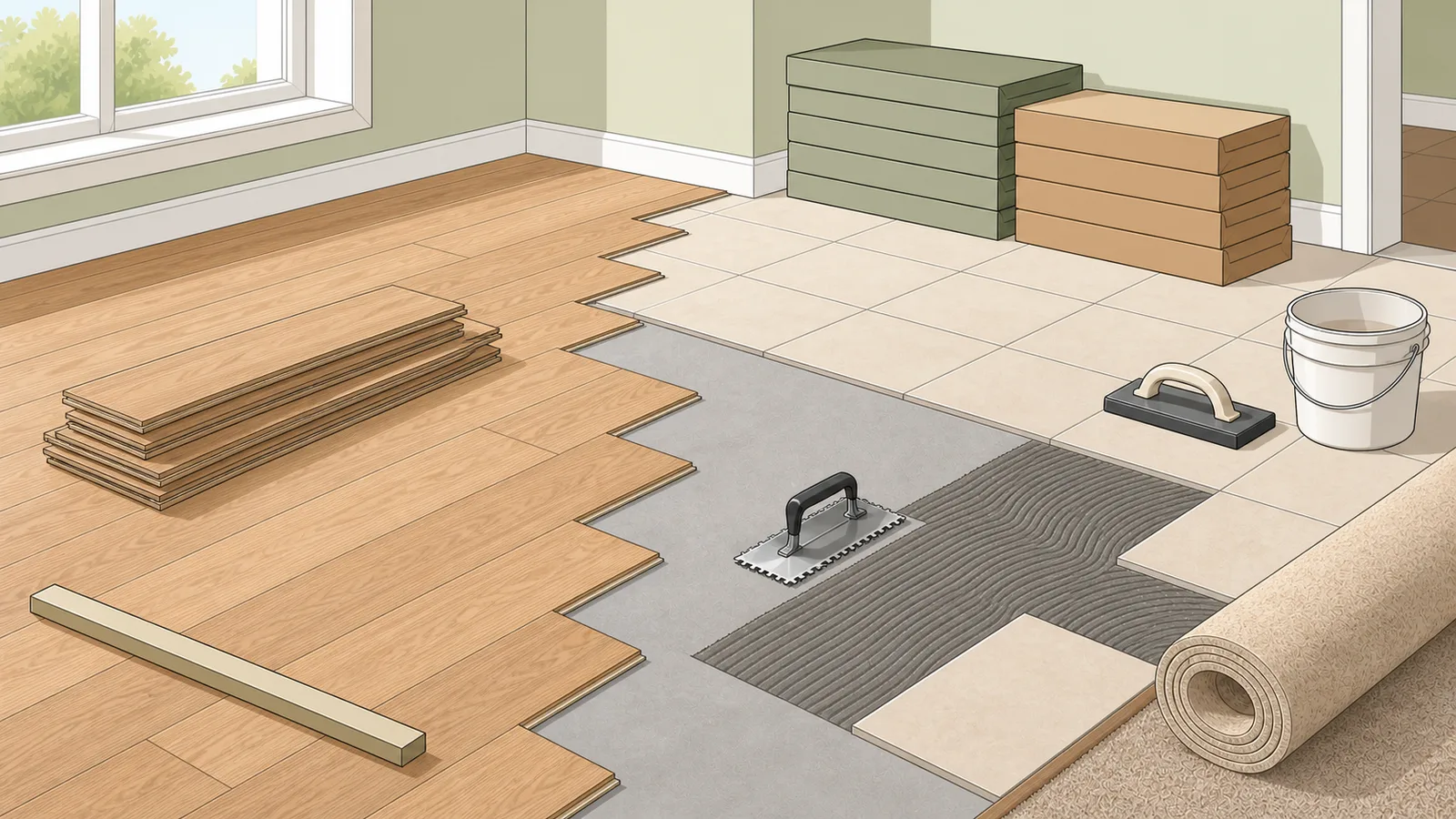
Estimate flooring square footage, net coverage area, planks, tiles, carpet square yards, roll length, box count, grout, thinset, waste.
Last updated
Flooring material suite Estimate flooring area, planks, tile, carpet square yards, boxes, grout, thinset, waste, and optional material cost from one planning workflow.
Quick examples
Laminate, LVP, engineered wood, and similar board-format flooring.
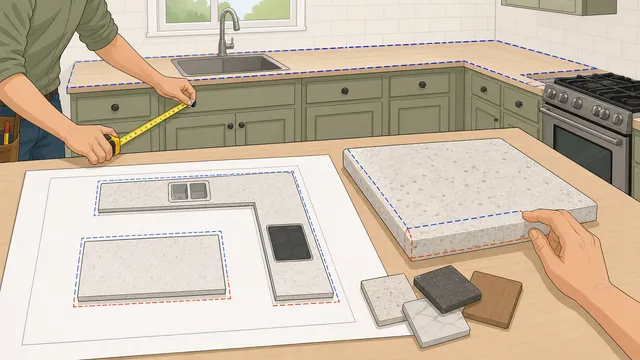
Subtract fixtures, then set the layout before you trust the waste factor Better flooring orders come from the net area that actually needs covering. Measure the space, subtract permanent uncovered zones like islands or hearths, then compare your chosen waste percentage with the pattern-aware recommendation below.
Enter the project measurements Start with the floor or wall dimensions, then add pattern, uncovered-area, and packaging assumptions to estimate boxes and cost.
Flooring area, plank count, box count, and waste planning
A flooring calculator helps you estimate how much laminate, vinyl plank, engineered wood, tile, carpet, or backsplash material to order before you buy. It converts room or wall size, material dimensions, waste allowance, optional box coverage, optional roll width, grout and thinset assumptions, and optional price into total area, piece count, box count, square yards, setting-material estimates, waste area, and a rough material cost.
What this flooring calculator is estimating
Flooring is usually sold by square footage, but the boards themselves are packaged in fixed plank sizes and often fixed box quantities. That means a useful flooring calculator has to do more than measure room area. It should translate the room into practical coverage, plank count, and box count so you can make a purchase plan rather than just a geometric estimate.
This is why a flooring square footage calculator is useful for laminate, LVP, engineered wood, and many click-lock products. It gives you a practical area target, then converts that area into individual boards and optional box totals so you can compare the estimate with the packaging of the product you plan to install.
Core flooring planning formulas
The calculator starts with room area, adds a waste allowance, converts plank dimensions into square footage per piece, then rounds up to whole planks. If you enter planks per box, it rounds those pieces up again into full cartons so the result is closer to a real order quantity.
Room area = Room length x Room width
This is the base floor area before any cutting or waste allowance is added.
Order area = Room area x (1 + Waste%)
Waste is applied so the estimate better reflects cuts, trimming, and board selection during installation.
Plank area = (Plank length x Plank width) / 144
Plank size is converted from square inches into square feet per board.
Planks needed = Ceiling(Order area / Plank area)
Plank count is rounded up because boards are purchased as whole units.
How to use the plank and box counts
Use the plank count as an ordering baseline, then compare it with the carton coverage or planks-per-box information on the product you plan to buy. For example, a 12 ft by 10 ft room with 48 inch by 7 inch planks and 10% waste needs about 132 sq ft of material, which works out to roughly 57 planks before carton rounding.
The box count is most useful for retail ordering and budgeting because many flooring products are sold only in full cartons. If the box total seems higher than the room area alone suggests, that usually reflects a combination of waste allowance and the need to buy full packaging rather than exact square footage.
Subtract built-ins and permanent uncovered areas before adding waste
A better flooring quantity calculator should start from the net area that actually needs covering, not just the full room rectangle. Kitchen islands, fireplace hearths, built-in cabinets, and other permanent fixtures can all reduce the coverage area if the flooring will not run underneath them.
That subtraction should happen before the waste factor is applied. Otherwise the waste allowance is being calculated on area you are not buying material for in the first place. The upgraded flooring calculator now uses gross area, subtracts any uncovered area, and only then adds the waste allowance and carton rounding.
Waste factor by layout pattern and room complexity
The best waste factor depends on the material, the pattern, and the number of cuts the room creates. A simple straight-lay laminate or LVP installation in one rectangle usually needs less overage than a herringbone floor, a diagonal tile layout, or a project with alcoves, closets, and many transitions.
That is why a more useful flooring calculator should not treat 10% as the answer for every job. Straight lay, staggered rows, diagonal work, herringbone, and chevron all cut differently. Rooms with many cutouts or irregular edges also burn more material than a clean rectangle. The calculator now shows a pattern-aware recommended waste baseline so you can compare your chosen overage with a more realistic starting point.
Tile, grout, and thinset planning
For tile floors and backsplash projects, the calculator treats each tile as a piece, then adds optional grout and thinset planning outputs. The tile count still starts with area and waste, but the result is more useful when you also enter the box coverage printed on the carton because tile is commonly ordered by box rather than by an exact piece count.
The grout estimate uses tile length, tile width, joint width, and joint depth to approximate the volume between tiles. It is a planning estimate, not a product-specific coverage chart. Exact grout yield depends on tile edge shape, tile thickness, joint cleanup, grout family, and the manufacturer's published coverage table.
The thinset output divides the waste-adjusted area by the coverage you enter for one bag. Larger tile, larger trowel notches, uneven substrates, membrane systems, and back-buttering can reduce coverage, so keep the entered coverage aligned with the product data sheet rather than treating a generic number as universal.
Tiles needed = Ceiling(Order area / Tile face area)
The tile count is rounded up to whole tiles after waste is included.
Boxes needed = Ceiling(Order area / Box coverage)
When box coverage is entered, the box count follows the carton coverage instead of a pieces-per-box assumption.
Thinset bags = Ceiling(Order area / Coverage per bag)
Thinset is estimated from the waste-adjusted area and the bag coverage you enter.
Carpet square yards and roll-width checks
Carpet is often quoted in square yards even when a room is measured in feet. The calculator converts the waste-adjusted square footage into square yards and also divides the order area by the roll width to give a simple linear-foot planning number.
Roll-width math is only a first pass. Broadloom carpet can need more material when seams, pile direction, pattern repeat, stairs, closets, or multiple rooms change the layout. Use the square-yard and roll-length outputs as a quick estimate, then confirm seam placement with the installer or retailer.
Square yards = Order area / 9
One square yard equals nine square feet.
Roll length = Order area / Roll width
This gives a simple linear-foot check before seam and layout adjustments.
Why carpet seam planning can change the estimate
A carpet estimate is not always just area divided by roll width. Once one room dimension is wider than the broadloom roll, the installer may need two or more runs with a seam. The better orientation is usually the one that minimizes the total linear footage and the number of seams, but pattern repeat and pile direction can still override the shortest mathematical option.
That is why the upgraded calculator reports the lower-seam roll orientation rather than only a single area ÷ width shortcut. It still remains a planning estimate, but it is closer to the decision a real carpet order has to make before the retailer or installer confirms the final seam map.
Backsplash material estimates
For a backsplash, enter the wall run as the length and the backsplash height as the width. That turns a wall strip into square footage, then applies tile size, waste, box coverage, grout-joint, and thinset assumptions in the same workflow.
Backsplashes often have outlets, windows, pattern changes, edge trim, and small cuts around cabinets. The calculator does not subtract openings automatically, so reduce the measured wall area yourself or keep a larger waste allowance when the layout has many interruptions.
What this result does not cover
This calculator does not decide layout direction, stagger pattern, transition strips, extra stair pieces, underlay, trim, grout type, trowel notch size, seam placement, pattern repeat, or room-shape complications such as closets and angled walls. It also does not replace the carton coverage stated on the exact flooring product you choose.
Use it as a flooring takeoff tool, then confirm final waste allowance, carton coverage, and accessory needs from the chosen manufacturer instructions and packaging before ordering.
Frequently asked questions
How much flooring do I need for a room?
Start with room area, add a practical waste allowance, then compare that adjusted area with the coverage of the planks or cartons you plan to buy. This calculator does those steps together so you get a more realistic order figure than room area alone.
Why is the flooring order quantity higher than the room area?
Flooring has to be cut around walls, doorways, and obstacles, and many products are sold only in full cartons. Waste allowance and carton rounding are the main reasons the purchase quantity is usually higher than the raw room size.
Can I subtract kitchen islands, hearths, or built-in cabinets?
Yes, if the flooring will not run underneath them. Subtract those permanent uncovered zones from the gross room area first, then add your waste allowance to the remaining net coverage area.
How many boxes of flooring do I need?
If you know how many planks are in each carton, the calculator rounds the plank count up to full boxes. You should still compare that result with the carton coverage printed on the chosen flooring product before buying.
Does this work for laminate, vinyl plank, and engineered wood?
Yes, as a planning estimate for board-format flooring. The final order still depends on the exact product dimensions, carton coverage, layout direction, and the installation method required by the manufacturer.
Can I use this as a tile calculator?
Yes. Choose the floor tile material type, enter the room dimensions, tile size, waste allowance, and box coverage if you know it. The calculator estimates tile count, boxes, grout weight, and thinset bags when the grout and thinset fields are filled.
How much grout do I need for floor tile?
Grout depends on tile size, joint width, joint depth, grout type, and cleanup loss. This calculator estimates grout from tile geometry and area, but the final package count should be checked against the chosen grout manufacturer's coverage table.
How much thinset do I need?
Thinset is estimated by dividing the order area by the bag coverage you enter. Use the coverage from the mortar bag or data sheet because trowel notch, tile size, substrate flatness, membrane systems, and back-buttering can change yield.
Can this estimate carpet in square yards?
Yes. Choose the carpet material type and enter the room size, waste allowance, and roll width. The calculator returns square feet, square yards, and a simple roll-length estimate, but seam planning and pattern repeat still need installer review.
How much waste should I allow for diagonal or herringbone flooring?
Those patterns usually need more waste than a simple straight lay because they create more edge cuts and more unusable offcuts. Diagonal work often lands around the mid-teens, while herringbone and chevron can justify even more depending on room complexity and the material format.
Why is the carpet roll estimate sometimes higher than area divided by roll width?
Because real broadloom orders often need multiple runs and seams. Once the room width exceeds the roll width, the installer may need two or more lengths of carpet, and that can push the practical order above a simple area-based shortcut.
How should I measure a backsplash?
Enter the wall run as length and the backsplash height as width. If outlets, windows, or range openings remove meaningful area, subtract those from your measurements or keep enough waste to cover extra cuts and layout changes.
Guides
Featured in articles
Step-by-step guides that use this calculator to solve real problems.