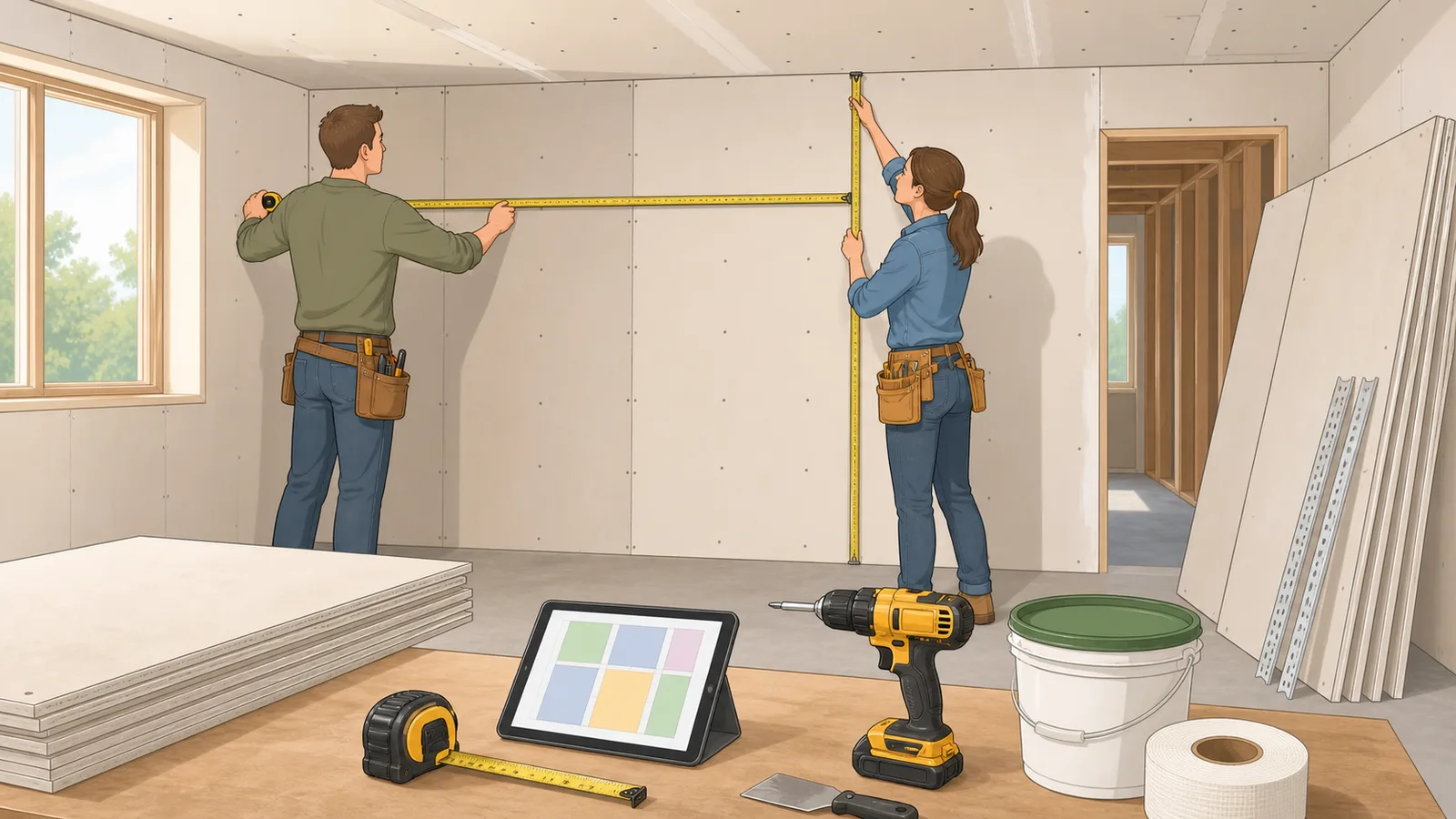
Use this drywall calculator to estimate Sheetrock sheets, measured area, waste, tape, joint compound, screws, corner bead, and optional sheet cost.
Last updated
Drywall material planner Estimate drywall sheets, waste, opening deductions, tape rolls, joint compound, screws, corner bead, and optional sheet cost from room dimensions or a measured surface area.
Units and currency
Quick examples
Input mode
Result
17 sheets needed
15 base sheets plus 2 waste sheets for 477 sq ft of drywall surface.
Net surface area
477 sq ft
Ordered coverage
544 sq ft
Opening deduction
51 sq ft
Joint tape
191 ft
1 roll(s) at 250 ft
Joint compound
5.4 gal
2 4.5-gal bucket(s)
Screws
680
Planning rate: 1.25 per sq ft ordered
Corner bead
4 pieces
32 ft from outside corners
Sheet size
32 sq ft
Larger sheets reduce seams but are harder to carry
Sheet-size guidance
Use 4 x 8 sheets for easier DIY handling, 4 x 10 or 4 x 12 sheets to reduce seams on taller or longer walls, and confirm moisture-resistant, fire-rated, or sag-resistant board where the room or code requires it.
The accessory quantities are planning estimates. Actual tape, mud, screws, and corner bead depend on layout direction, stud spacing, finish level, inside corners, offcut reuse, and installer method.
Drywall sheet count, wall area, sheet size, and finishing-material planning
A drywall calculator helps you estimate how many drywall sheets to order for a room from wall dimensions, measured total area, opening deductions, selected sheet size, optional ceiling coverage, and a waste allowance. It also gives a planning-level view of tape rolls, joint compound gallons and buckets, screws, corner bead, and optional sheet cost so you can compare material quantities before purchase.
What this drywall calculator is estimating
A room drywall estimate starts with wall area, not floor area. The calculator multiplies room perimeter by ceiling height, subtracts doors and windows plus any extra measured openings, adds the ceiling if requested, and then converts the total covered area into drywall sheet count based on the sheet size you choose.
That makes this kind of drywall calculator, Sheetrock calculator, or plasterboard calculator useful for bedroom, basement, garage, and renovation planning where you need a fast order estimate before buying materials. The result is meant to support planning, not replace a cutting layout for installation.
If you already have a takeoff from plans or a measured wall-and-ceiling total, the measured-area mode lets you skip room dimensions and calculate sheets, waste, tape, mud, screws, and corner bead from the total surface area directly.
Core drywall formulas
The estimate begins with wall perimeter and ceiling height to derive gross wall area. Opening deductions are subtracted, optional ceiling area is added, and the total is divided by sheet coverage to get a base sheet count before waste is applied.
Accessory figures such as joint tape, compound, screws, and corner bead are planning aids only. They help you scope finishing materials, but the exact quantity still depends on layout, fastener schedule, finish level, corner count, texture, and installer preference.
Gross wall area = 2 x (Room length + Room width) x Ceiling height
The perimeter of the room is multiplied by wall height to get total wall surface before openings are subtracted.
Net wall area = Gross wall area - Door deductions - Window deductions
Standard door and window deductions reduce the amount of drywall area that actually needs coverage.
The base sheet count is rounded up and then increased by the selected waste percentage to give a practical order quantity.
Accessory estimate = Ordered sheet coverage x planning rate
Tape, joint compound, and screw quantities are estimated from the waste-adjusted sheet coverage so the shopping list reflects the sheets actually ordered.
Choosing room dimensions or total area mode
Use room-dimensions mode when you are estimating a simple room from length, width, wall height, doors, windows, and optional ceiling coverage. This is the fastest approach for a rectangular bedroom, garage, or small renovation.
Use measured-area mode when you already know the wall and ceiling square footage from drawings, a takeoff, or a multi-room measurement. This mode is better for irregular rooms because it avoids forcing the project into one rectangular room shape.
Sheet size, waste, and accessory assumptions
The calculator supports common 4 x 8, 4 x 10, and 4 x 12 sheet sizes. Larger sheets can reduce seams and taping work, but they are heavier and can be harder to move through stairs, tight halls, or small rooms.
The tape, joint compound, and screw estimates use planning rates based on waste-adjusted sheet coverage. They are intentionally transparent so you can compare the result with the product coverage printed on the tape, mud, screw, or board package you actually buy.
Corner bead is estimated separately because outside corners are not determined reliably from room area alone. Enter the number of outside corners when you want a better shopping-list estimate for bead sticks.
How to use the sheet-count result
Use the sheet total as your ordering baseline, then compare it with the exact board type and size you plan to buy. For example, a 12 ft by 12 ft room with 8 ft walls, one door, two windows, 4 x 8 sheets, ceiling coverage, and 10% waste needs about 17 sheets before you account for specialty board or code-driven substitutions.
The ceiling toggle matters because including the ceiling can materially increase the order. If the room uses moisture-resistant, fire-rated, or sound-rated board in some areas, you may need to split the final sheet order by board type rather than using one uniform count.
What this result does not cover
This calculator does not create an actual cutting layout, does not model horizontal versus vertical sheet orientation, and does not account for access constraints, lift use, offcuts reuse, corner bead, or finish-level requirements. It also uses planning-level opening deductions rather than measured door and window schedules.
Use it as a drywall-order planning tool, then confirm board type, layout, local code requirements, and finishing accessories against the exact wall system before ordering material.
Frequently asked questions
How many sheets of drywall do I need for a room?
Start with net wall area after subtracting openings, add the ceiling if you are boarding it, divide by the selected sheet area, and then add waste. The calculator combines those steps into one estimate using common sheet sizes.
Do I include the ceiling in a drywall estimate?
Only if you are also boarding the ceiling in the same project. Ceiling coverage can add a meaningful amount of area, so it should be included deliberately rather than assumed.
Should I subtract doors and windows when estimating drywall?
Yes, subtracting common openings gives a more useful sheet estimate than using gross wall area alone. The exact deduction still depends on the actual opening sizes and framing layout on the job.
How much joint tape, compound, and screws do I need with the drywall sheets?
Those accessory outputs are planning-level estimates that help scope the job, but real finishing quantities depend on seam layout, finish level, fastener schedule, and installation method.
Can I use measured square footage instead of room dimensions?
Yes. Use measured total area mode when you already know the wall and ceiling area from drawings, a takeoff, or a multi-room measurement. It is often better for irregular rooms than forcing the project into one rectangular room.
What waste percentage should I use for drywall?
A simple rectangular room may only need a modest waste allowance, while rooms with many corners, soffits, openings, closets, or awkward cuts should use more. Ten percent is a common planning starting point, but the right value depends on the layout.
Why does sheet size matter in a drywall estimate?
A 4 x 12 sheet covers more area than a 4 x 8 sheet and can reduce seams, tape, and finishing work. The tradeoff is handling: longer sheets are heavier, harder to transport, and may not fit through tight access routes.
Does the calculator estimate corner bead?
Yes, when you enter outside corners. Corner bead is based on outside-corner height because area alone cannot tell how many exposed outside corners a room has.
Guides
Featured in articles
Step-by-step guides that use this calculator to solve real problems.