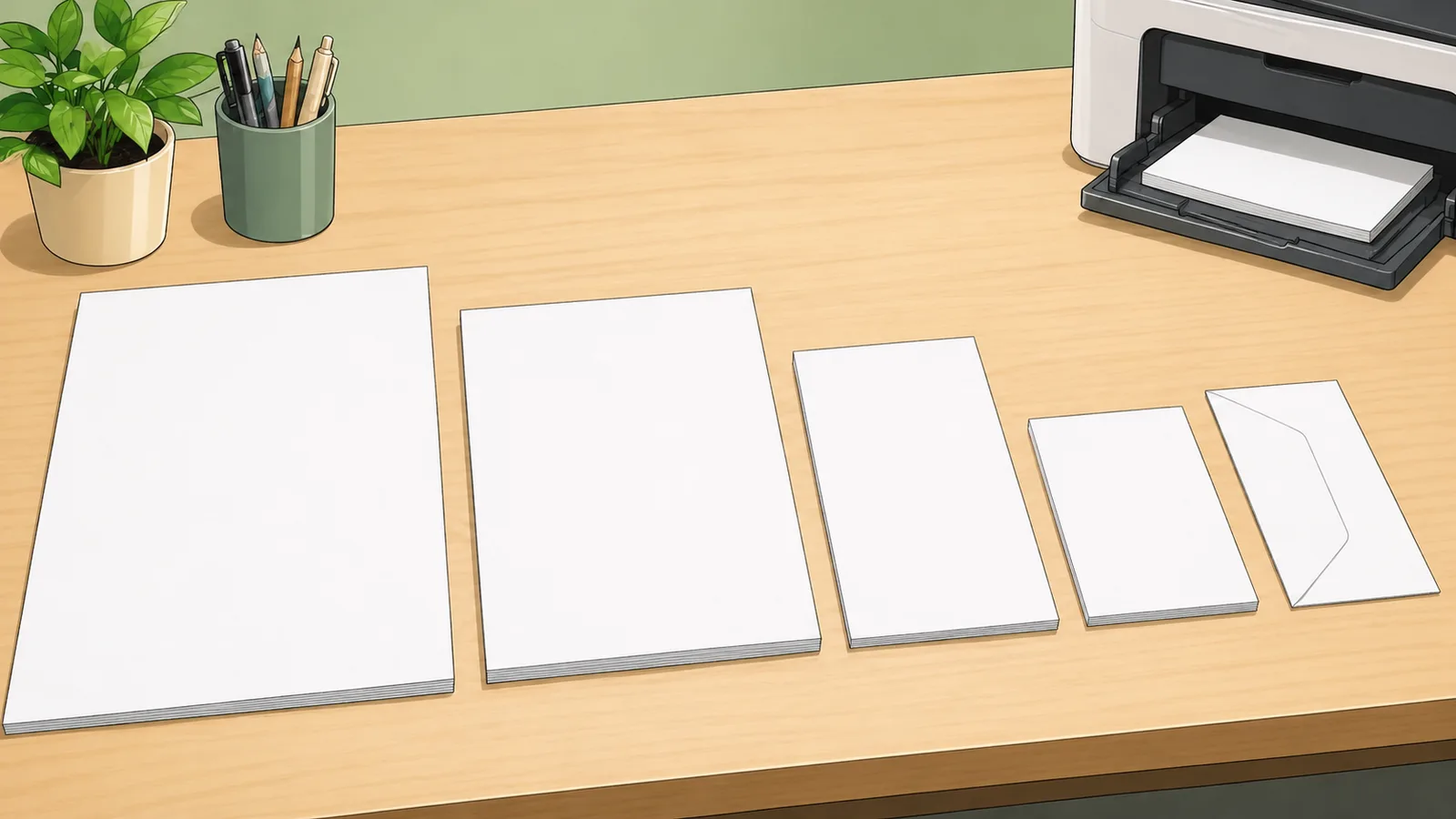
Convert ISO A, ISO B, ISO C envelope, and North American paper sizes between mm, cm, inches, and pixels at custom DPI/PPI settings.
Last updated
Compare paper dimensions, pixel targets, and near matches Choose a standard sheet, set the orientation and DPI/PPI you need, then check physical dimensions, print pixels, family references, and the closest cross-standard substitute for A4, Letter, Legal, Tabloid, ISO B, and envelope workflows.
Design
Paper size converter
Compare ISO A, ISO B, ISO C envelope, and North American sheets in portrait or landscape form with physical
dimensions, custom DPI pixel size, and A4 vs Letter fit context.
Orientation
A4 portrait
Metric A-series sheets scaled around a 1:1.414 aspect ratio. Pixel rows include common screen and print densities plus your custom DPI/PPI.
Result
A4 portrait
210 x 297 mm, or
8.27 x 11.69 in, with common output DPI tables
below.
Aspect ratio
0.71:1
Area
623.7 cm2
Custom pixels
2,480 px wide
Physical Dimensions
Metric
Width
Height
Millimeters
210 mm
297 mm
Centimeters
21 cm
29.7 cm
Inches
8.27 in
11.69 in
Pixel Dimensions
DPI
Width px
Height px
72 DPI
595 px
842 px
96 DPI
794 px
1,123 px
150 DPI
1,240 px
1,754 px
300 DPI
2,480 px
3,508 px
600 DPI
4,961 px
7,016 px
Family Reference
Size
Millimeters
Centimeters
Inches
Selected
A0
841 x 1,189 mm
84.1 x 118.9 cm
33.11 x 46.81 in
Reference
A1
594 x 841 mm
59.4 x 84.1 cm
23.39 x 33.11 in
Reference
A2
420 x 594 mm
42 x 59.4 cm
16.54 x 23.39 in
Reference
A3
297 x 420 mm
29.7 x 42 cm
11.69 x 16.54 in
Reference
A4
210 x 297 mm
21 x 29.7 cm
8.27 x 11.69 in
Current
A5
148 x 210 mm
14.8 x 21 cm
5.83 x 8.27 in
Reference
A6
105 x 148 mm
10.5 x 14.8 cm
4.13 x 5.83 in
Reference
A7
74 x 105 mm
7.4 x 10.5 cm
2.91 x 4.13 in
Reference
A8
52 x 74 mm
5.2 x 7.4 cm
2.05 x 2.91 in
Reference
A9
37 x 52 mm
3.7 x 5.2 cm
1.46 x 2.05 in
Reference
A10
26 x 37 mm
2.6 x 3.7 cm
1.02 x 1.46 in
Reference
Closest cross-standard match: Letter
Letter is 5.9 mm wider, 17.6 mm shorter, and has 3.28% less area. Check margins, scaling, and bleed before treating it as a direct substitute.
Paper size converter: ISO A, ISO B, Letter, Legal, and print-pixel references explained
A paper size converter helps you compare common sheet standards without hunting through separate charts. This page also explains the main assumptions behind the paper size converter result, highlights the supporting figures shown by the calculator, and helps the reader use the estimate without overstating what a quick online tool can prove.
How paper standards differ
ISO A-series and B-series sizes are built on consistent proportional scaling, which makes them easy to expand or reduce while preserving the aspect ratio. North American sizes such as Letter, Legal, Tabloid, and Executive follow a different standard and do not match the ISO proportions exactly.
That difference becomes important when you move layouts between regions, templates, or printers. A design that fits A4 cleanly will not map perfectly to US Letter without margin, scaling, or reflow decisions.
The ISO C-series is included because envelope sizing is part of the same practical workflow. A C4 envelope is designed around unfolded A4 sheets, while C5 and C6 are common choices for folded correspondence. Including envelope sizes beside sheet sizes makes the page more useful when the output is not just a page, but a mailed or packaged document.
Physical size and pixel size are different questions
Physical size tells you the real sheet dimensions in millimetres, centimetres, or inches. Pixel size tells you how many pixels you would need to represent that sheet at a chosen DPI. Both views matter, but they answer different production questions.
For example, an A4 page has a fixed physical size. Its pixel dimensions change depending on whether you are planning a 72 DPI preview, a 150 DPI draft, or a 300 DPI print target.
Many competing paper size charts stop at a few preset pixel densities. A custom DPI/PPI input is more useful for real production because scanners, export tools, photo labs, and print vendors may specify 200, 240, 350, 600, or another density. The formula is still simple, but the ability to check the exact density avoids guessing from the nearest preset row.
pixels = inches × DPI
Used to estimate pixel width and height for a sheet at a given print density.
1 in = 25.4 mm
Core physical conversion between imperial and metric sheet measurements.
area = width × height
Used to compare how much sheet area is gained or lost when substituting one paper standard for another.
Why orientation matters
Portrait and landscape do not change the sheet itself, but they do change which edge is treated as width or height in your output. That affects layout planning, pixel export targets, and the way a page fits into a press, binder, or presentation workflow.
Using an orientation toggle is the fastest way to verify whether a design target is truly a size mismatch or simply the same sheet rotated into a different working direction.
Orientation is also important for pixel export instructions. If a printer asks for a landscape A4 image at 300 DPI, the physical sheet is still A4, but the practical pixel target becomes the wider value first. The converter keeps those width and height roles explicit so you can copy the right dimensions into a design or export tool.
A4 vs Letter is a fit problem, not just a unit conversion
A4 and US Letter are close enough that documents often appear interchangeable at first glance, but the mismatch is large enough to affect margins, headers, footers, page breaks, and full-bleed backgrounds. Letter is slightly wider and shorter than A4. A4 is slightly narrower and taller than Letter. That means a design can fail in one direction even when the total area feels similar.
The closest-match note in the calculator is meant to make that tradeoff visible. If a page is only text with generous margins, scaling or reflow may be acceptable. If the page has trim marks, legal content, fixed-position labels, certificates, forms, or artwork that reaches the edge, you should rebuild or proof the layout in the target paper size rather than assuming the two standards can be swapped.
For international templates, it is often safer to design with flexible margins and avoid placing critical content too close to the edge. That gives the same source file a better chance of surviving the A4-to-Letter or Letter-to-A4 conversion without clipping.
Worked example: A4 at 300 DPI and a Letter substitute check
Suppose you are exporting an A4 flyer for high-quality print at 300 DPI. A4 is 210 × 297 mm, which is about 8.27 × 11.69 inches. Multiplying those inch dimensions by 300 gives a pixel target of roughly 2,480 × 3,508 pixels in portrait orientation. If you switch to landscape, the same numbers appear as 3,508 × 2,480 pixels because the physical sheet is rotated.
Now compare that with US Letter. Letter is 8.5 × 11 inches, or 2,550 × 3,300 pixels at 300 DPI. The width is larger, but the height is smaller. A full-page A4 design placed on Letter paper may therefore need reflow, smaller vertical spacing, or a scale-to-fit adjustment even though the paper feels similar in everyday office use.
The same method works for any density. At 150 DPI, the A4 pixel target is about half the 300-DPI count in each direction. At 600 DPI, it doubles in each direction. That is why DPI changes file dimensions quickly: doubling the density doubles both width and height in pixels.
Bleed, safe area, and printer settings still matter
This converter reports trim-size dimensions. It does not automatically add bleed, slug space, crop marks, printer non-printable margins, or the safe area your vendor may require. A print-ready file is often larger than the finished paper size because background colour or imagery must extend beyond the trim edge.
For production artwork, first calculate the finished page size, then add any required bleed to the physical dimensions before converting to pixels. For example, if a printer asks for 3 mm of bleed on every side, add 6 mm to the total width and 6 mm to the total height before applying the DPI calculation.
For office printing, check the application paper-size setting as well as the printer paper tray. If the document is A4 but the printer is set to Letter, software may silently scale the output, crop it, or introduce unexpected margins. The dimension table helps identify the mismatch before the proof comes out wrong.
NIST Handbook 44 Appendix C — Official NIST conversion reference supporting the exact inch-to-millimetre relationship used in the calculator.
Frequently asked questions
Is A4 the same as US Letter?
No. They are close in general purpose use, but they are not the same dimensions and they do not share the same aspect ratio. That difference can affect margins, scaling, and pagination.
Why do pixel dimensions change for the same paper size?
Because the physical sheet stays fixed while the DPI assumption changes. Higher DPI means more pixels per inch, so the pixel width and height both increase.
When should I check landscape instead of portrait?
Check landscape when the design or print workflow treats the longer edge as width rather than height. It is especially useful for slides, wide tables, folded pieces, and tabloid-style layouts.
Does this converter replace a printer template?
No. It is a sizing reference. Final production still depends on bleed, safe area, trim, printable margins, and the exact document settings required by your printer or application.
What is A4 size in pixels at 300 DPI?
A4 is about 2,480 × 3,508 pixels at 300 DPI in portrait orientation. In landscape orientation, the same target is about 3,508 × 2,480 pixels. The exact calculation comes from converting 210 × 297 mm into inches, then multiplying each edge by 300.
What is Letter size in pixels at 300 DPI?
US Letter is 8.5 × 11 inches, so at 300 DPI it is 2,550 × 3,300 pixels in portrait orientation. This is close to A4 in everyday use, but it is not the same canvas because Letter is wider and shorter.
Can I use 600 DPI instead of 300 DPI?
Yes, if the workflow genuinely needs it. A 600-DPI target doubles the pixel width and doubles the pixel height compared with 300 DPI, so the file becomes much larger. It can be appropriate for fine line work, scanning, archival capture, or vendor-specific requirements, but many ordinary print jobs do not need that density.
Why does the calculator include ISO C sizes?
ISO C sizes are mainly envelope sizes. They are useful when a paper-size question becomes a mailing question, such as choosing a C4 envelope for an unfolded A4 sheet or a C5 envelope for a folded A4 document.
Should I design in pixels or physical units?
For print, start with the physical paper size and required bleed or margin rules, then convert to pixels only when the artwork needs a raster export. For screen previews, PDF templates, or web mockups, pixel dimensions can be useful, but the physical trim size is still the source of truth.
Does DPI change the real paper size?
No. DPI changes how many pixels are assigned to each inch of the same physical sheet. A4 remains 210 × 297 mm whether the export is 72 DPI, 150 DPI, 300 DPI, or 600 DPI.
What should I check before converting A4 to Letter?
Check whether the layout has tight margins, fixed form fields, signatures, page numbers, full-bleed graphics, or legal text near the edge. Those elements are more likely to be clipped or reflowed because A4 and Letter differ in both width and height.