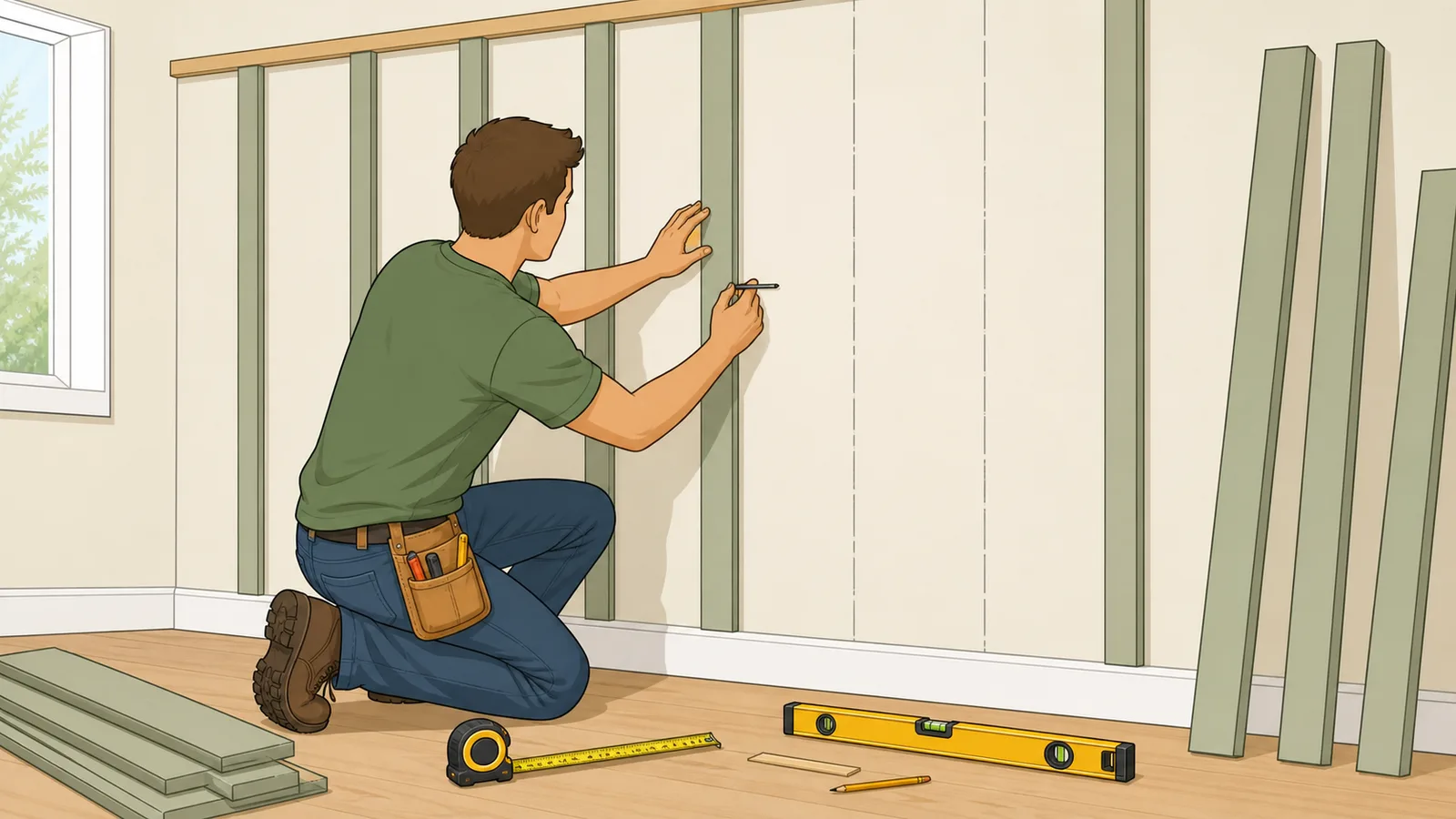
Plan board and batten spacing with board counts, batten counts, field layout marks, nearby spacing options, linear footage.
Last updated
Board and batten wall layout planner Compare batten spacing, board count, edge margins, and field layout marks before you draw lines on an accent wall, wainscoting run, shed face, or siding bay.
Quick examples
Solve for
Layout assumptions Battens are centered on each seam. Covered width counts boards plus battens. Uncovered width is the clear gap between board edges.
Linear footage assumes full-height strips, and material area is the face coverage only.
Result
11 boards
10 battens, 40 mm clear gap, and 218 mm center-to-center spacing.
Board count
11
Batten count
10
Covered width
1,920 mm
Uncovered width
400 mm
Material summary
Linear lengths are based on full wall height. Area is the total face coverage of boards and battens only.
Board linear length
26.4 m
Batten linear length
24 m
Total linear length
50.4 m
Board area
3.7 m²
Batten area
0.91 m²
Total area
4.61 m²
Nearby board-count options
Use this comparison to decide whether one more or one fewer board gives a cleaner board and batten spacing before you mark the wall.
Boards
Clear gap
On-centre
Linear length
9
94.5 mm
272.5 mm
40.8 m
10
64.22 mm
242.22 mm
45.6 m
11 current
40 mm
218 mm
50.4 m
12
20.18 mm
198.18 mm
55.2 m
13
3.67 mm
181.67 mm
60 m
First layout marks from the left edge
Mark from the same finished edge you measured from. The list alternates board faces and batten centre positions so the field layout can be checked against the calculator.
Piece
Start
Centre
End
board 1
40 mm
110 mm
180 mm
batten 1
200 mm
219 mm
238 mm
board 2
258 mm
328 mm
398 mm
batten 2
418 mm
437 mm
456 mm
board 3
476 mm
546 mm
616 mm
batten 3
636 mm
655 mm
674 mm
board 4
694 mm
764 mm
834 mm
batten 4
854 mm
873 mm
892 mm
board 5
912 mm
982 mm
1,052 mm
batten 5
1,072 mm
1,091 mm
1,110 mm
board 6
1,130 mm
1,200 mm
1,270 mm
batten 6
1,290 mm
1,309 mm
1,328 mm
Showing the first 12 marks of 21. Continue the same on-centre spacing across the remaining wall.
How to use this result
Use the board count to order vertical boards, the batten count to order cover strips, and the clear spacing to set the gap between
board edges. If the batten width is smaller than the gap, widen the battens or reduce spacing so the seams are fully covered.
Coverage check The battens are narrower than the clear gap, so they may not fully cover the seam.
Board and batten spacing, counts, and material planning
A board and batten calculator helps you balance the look of a wall before you start cutting panels, boards, or battens. It estimates board count, batten count, clear spacing, on-centre spacing, linear footage, face-coverage area, nearby board-count options, and first layout marks so you can compare a fixed-count layout with a target-spacing layout for siding, feature walls, wainscoting, sheds, and facades.
What a board and batten layout calculator is deciding
Board and batten layout is mostly about visual balance and seam coverage. Once you know the wall width, board width, batten width, and side margins, the main questions are how many boards will fit and what the spacing between them will be. A layout calculator speeds up that trial-and-error process by checking the covered width and the clear gap automatically.
That makes the tool useful for exterior board and batten siding, interior feature walls, wainscot-style layouts, shed cladding, and similar vertical-strip designs. It helps you test whether you want to control the board count directly or start from a preferred clear spacing and let the calculator suggest the nearest workable whole-board fit.
Count mode versus spacing mode
In count mode, you choose how many boards you want across the wall and the calculator shows the resulting number of battens and the clear gap between board edges. In spacing mode, the calculator searches for the nearest whole-board layout that lands close to your preferred clear gap, because the final layout still has to resolve to a whole number of boards.
Batten count = Board count - 1
Each seam between adjacent boards is usually covered by one batten strip, so battens are based on the number of seams rather than the number of boards.
Covered width = (Board count x Board width) + (Batten count x Batten width)
The visible materials take up part of the wall width before the clear gaps are distributed between board edges.
Once side margins and material widths are accounted for, the remaining width is shared across the seams.
Practical board and batten layout tips
A neat board and batten job usually starts from a balanced reference point, often the wall centreline or another obvious visual anchor such as a gable centre, doorway, or window stack. That reduces the chance of ending with an awkward skinny bay at one edge of the wall. The calculator can help you compare those balanced options before you snap layout lines on site.
It is also worth checking the actual installation instructions for the siding system you are using. Manufacturers often give specific advice for batten width, flashing at horizontal joints, and how battens should terminate at band boards or trim details. A visually balanced layout still needs to follow those installation rules.
Using the batten position marks
Many people search for a batten position calculator because the hard part is not only choosing a spacing number, but translating that spacing into marks on a real wall. The result now lists the first board and batten start, centre, and end positions from the left finished edge. Those marks are especially useful when you want a board and batten wall calculator that can be checked against a tape measure rather than just a final board count.
Use one consistent reference edge and keep measuring from that edge instead of chaining small measurements from one batten to the next. Chained measurements can accumulate small errors, while edge-based layout marks make it easier to spot when an outlet, window trim, corner board, or stud location needs a field adjustment.
Comparing nearby spacing options
The same wall can often support several workable board counts. One option may give a slightly tighter rhythm, another may use less material, and another may land better around a door casing or central feature. The nearby-options table is designed for that decision: it shows the clear gap, on-centre spacing, and linear material length for adjacent board-count choices before you commit to the layout.
This is where the page differs from a plain wall spacing calculator. Instead of returning only one batten spacing value, it lets you compare the visual rhythm against the material length and choose the option that is easiest to install cleanly.
Worked example: a 2,400 mm wall with 11 boards
If a wall is 2,400 mm wide and 2,400 mm tall, with 140 mm boards, 38 mm battens, and 40 mm edge margins, choosing 11 boards produces 10 battens and a 40 mm clear gap between board edges. That gives an on-centre spacing of 218 mm and about 50.4 linear metres of total board-plus-batten material.
That kind of worked example is useful because it shows how the page balances appearance and material planning at the same time. It still does not replace site layout lines, trim details, or the product instructions for the siding system you are actually installing.
What this estimate does not include
This board and batten siding calculator focuses on face layout and material quantities only. It does not calculate fasteners, trim corners, starter strips, flashing, cut waste, window and door trim details, or manufacturer-specific panel-joint rules. If you are using fibre cement, engineered wood, or panel siding, always check the product instructions for the exact fastening and flashing requirements.
Treat the result as a layout planning tool that helps you compare spacing and quantities. Final site dimensions, plumb reference lines, openings, and product instructions should drive the actual installation.
Frequently asked questions
How far apart should board and batten battens be?
There is no single universal spacing. The right clear gap depends on the wall width, board width, batten width, and the look you want. A board and batten layout calculator helps you compare a target gap with the nearest workable whole-board layout so the wall stays balanced.
Do battens sit over the gap between boards?
Yes. In a typical board and batten layout, battens cover the seam or gap between adjacent boards or panel joints, which is why batten count is usually one fewer than board count across a straight wall.
Should I start a board and batten layout from the centre of the wall?
Often yes, especially on large feature walls, gables, and facades where visual balance matters. Starting from the centre or another obvious reference point can help avoid a very narrow final bay at one edge.
Can I use this calculator for siding installation instructions?
No. It helps with layout and material planning, but it does not replace the fastening, flashing, joint, and trim rules in the installation instructions for the siding or trim product you are using.
What is the difference between board and batten spacing and on-centre spacing?
Clear spacing is the open distance between the visible board edges after board and batten widths are accounted for. On-centre spacing is the repeated distance from one board centreline to the next board centreline, which is often easier to use when checking the rhythm of a board and batten layout.
Can this work as a wainscoting calculator?
Yes, for a straight board-and-batten-style wainscoting run. Enter the finished wall width, panel height, board width, batten width, and side margins just as you would for a taller accent wall. The result gives board count, batten positions, clear spacing, and material lengths, but it does not model cap rail, baseboard, chair rail, or moulding profiles.
Why compare nearby board counts instead of accepting the first spacing result?
Adjacent board counts can change the look of the wall more than the raw number suggests. Comparing nearby layouts helps you spot whether one fewer board gives a cleaner wide-panel look, whether one more board avoids a large gap, or whether the material length changes enough to affect ordering.
How should I mark board and batten positions on a wall?
Choose one finished edge or centreline as the reference and transfer the calculator's layout marks from that same point. Check the first few marks with a level, then confirm the pattern around doors, windows, outlets, corners, and trim before cutting or fastening material.